TP-Link
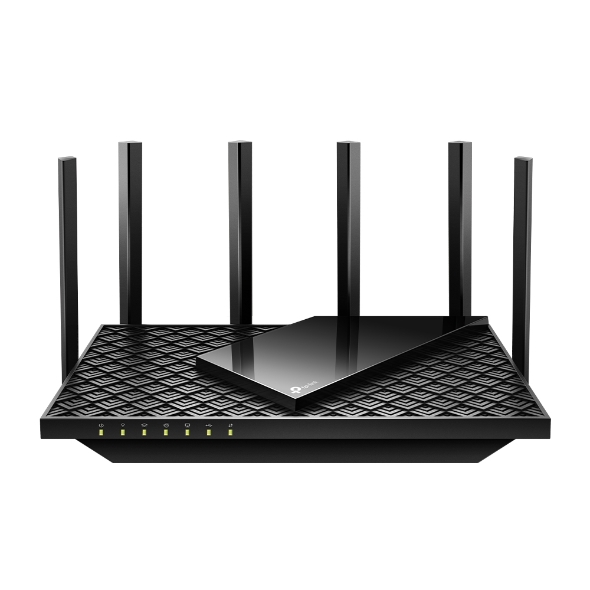
Archer AX72 Pro
97/100 guide matchProvides a multi-gig Ethernet path for faster FTTP plans
Watch: Confirm Australian stock, exact hardware revision and pack size before buying.
View product → COMPARE
Australian buying guide · Networking
FTTP already has an nbn connection box, so most homes need a router - not another VDSL modem. The useful differences are Ethernet speed, Wi-Fi coverage, software and how easily the system can expand.
Quick recommendations
Ranked from the catalogue using this guide's rules. Product details can change independently of the editorial update above; check each profile's source and verification dates before purchase.
TP-Link
Provides a multi-gig Ethernet path for faster FTTP plans
Watch: Confirm Australian stock, exact hardware revision and pack size before buying.
View product →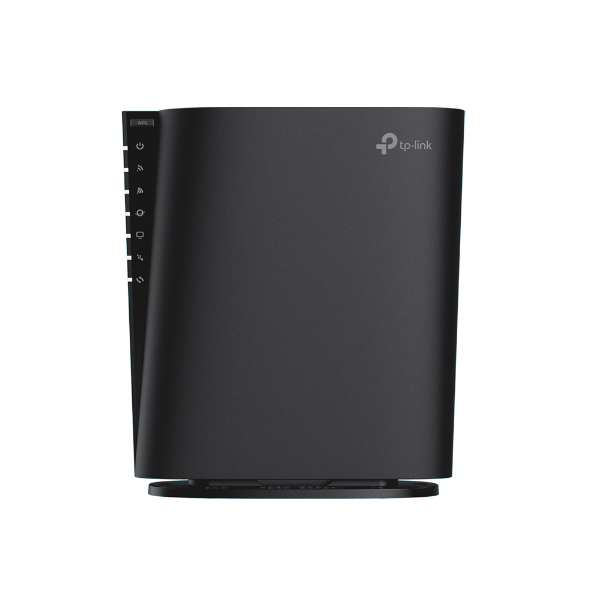
TP-Link
Provides a multi-gig Ethernet path for faster FTTP plans
Watch: Confirm Australian stock, exact hardware revision and pack size before buying.
View product →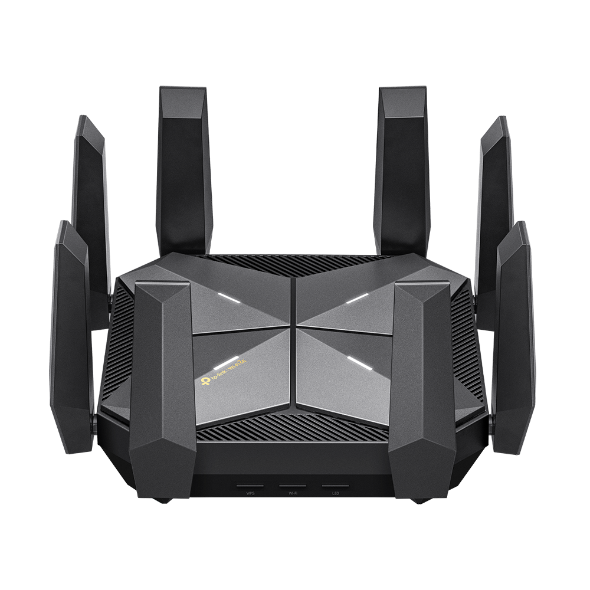
TP-Link
Provides a multi-gig Ethernet path for faster FTTP plans
Watch: Confirm Australian stock, exact hardware revision and pack size before buying.
View product →Things to consider
FTTP hands the internet connection to your router over Ethernet. A modem-router can work in router mode, but its DSL hardware adds little value unless you expect to reuse it on FTTN or FTTB.
A single 2.5GbE port is useful for an FTTP service above 1Gbps, but your wired devices may still be limited to gigabit if there is no second multi-gig LAN path.
Brick walls, long floorplans and two-storey homes often benefit more from wired mesh access points than from a single premium router turned up to maximum optimism.
Product comparison
The match score measures fit against this guide's published rules. It is not a universal product rating.
| Product | Price | Warranty | Key specifications | Guide match | Actions |
|---|---|---|---|---|---|
| TP-LinkArcher AX72 Pro | $0 | Confirm the Australian retailer or RSP warranty |
| 97/100 | View productCompare |
| TP-LinkArcher AX80 | $0 | Confirm the Australian retailer or RSP warranty |
| 97/100 | View productCompare |
| TP-LinkArcher AXE300 | $0 | Confirm the Australian retailer or RSP warranty |
| 97/100 | View productCompare |
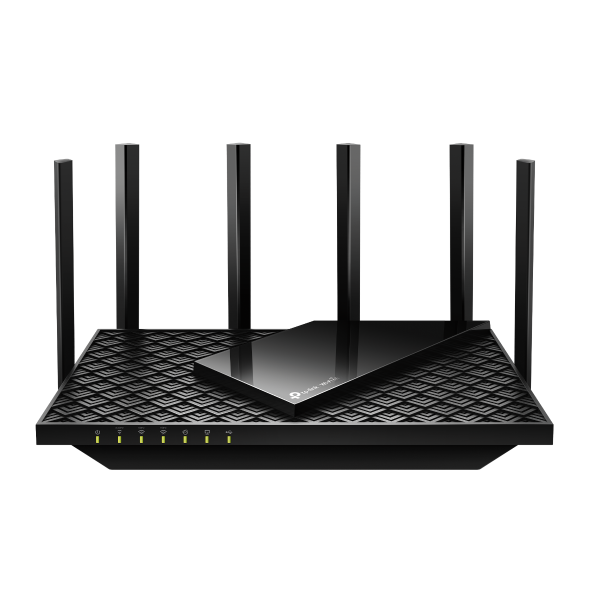 TP-LinkArcher AXE75 TP-LinkArcher AXE75 | $0 | Confirm the Australian retailer or RSP warranty |
| 97/100 | View productCompare |
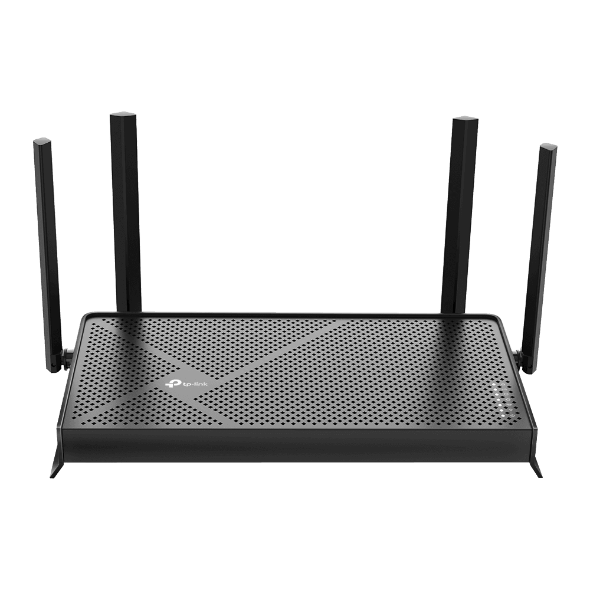 TP-LinkArcher BE3600 TP-LinkArcher BE3600 | $0 | Confirm the Australian retailer or RSP warranty |
| 97/100 | View productCompare |
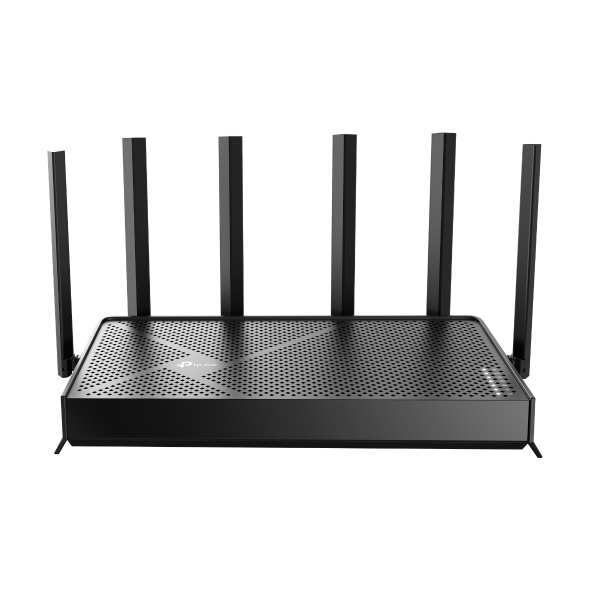 TP-LinkArcher BE400 TP-LinkArcher BE400 | $0 | Confirm the Australian retailer or RSP warranty |
| 97/100 | View productCompare |
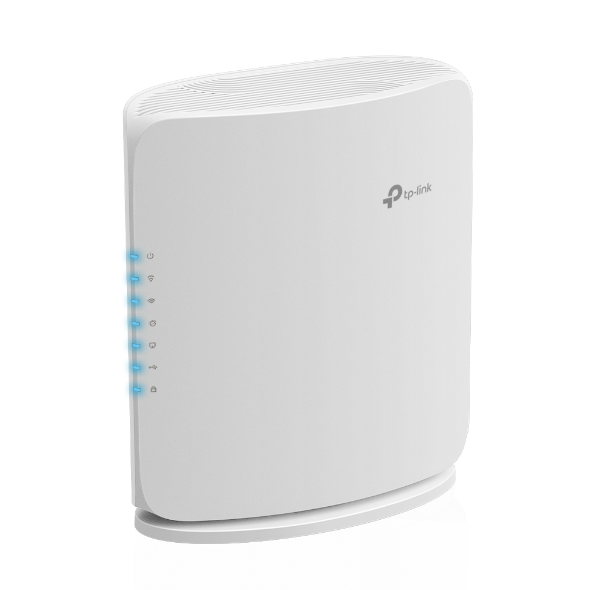 TP-LinkArcher BE450 TP-LinkArcher BE450 | $0 | Confirm the Australian retailer or RSP warranty |
| 97/100 | View productCompare |
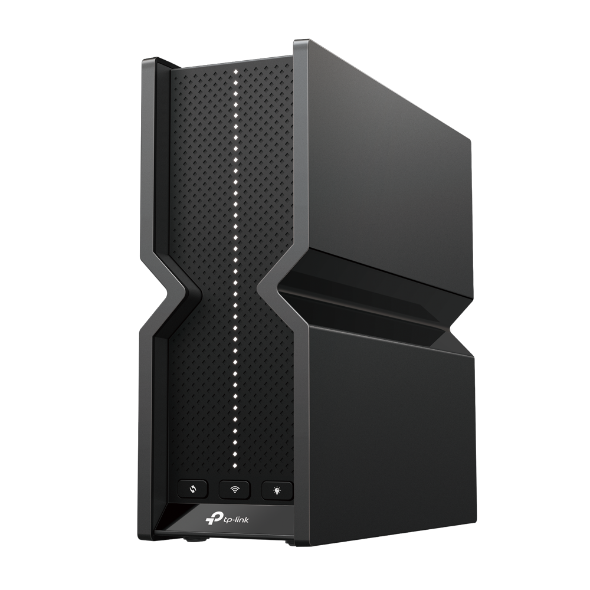 TP-LinkArcher BE550 Pro TP-LinkArcher BE550 Pro | $0 | Confirm the Australian retailer or RSP warranty |
| 97/100 | View productCompare |
Frequently asked questions
No separate retail modem is normally required. The nbn connection box presents an Ethernet connection to your router.
Usually not. Wi-Fi 7 helps compatible devices and fast local transfers, but Wi-Fi 6 remains enough for many NBN households when coverage and placement are good.
Often yes, but ISP voice services, VLAN settings and provider support conditions can complicate BYO equipment. Confirm your provider's requirements first.
Ready to narrow it down?