
TP-Link
Deco BE26
97/100 guide matchDesigned as a dedicated whole-home mesh family
Watch: Confirm Australian stock, exact hardware revision and pack size before buying.
View product → COMPARE
Australian buying guide · Networking
Two storeys do not automatically require three mesh nodes. The construction, stairwell, router location and ability to run Ethernet matter more than the number of bedrooms printed on the real-estate listing.
Quick recommendations
Ranked from the catalogue using this guide's rules. Product details can change independently of the editorial update above; check each profile's source and verification dates before purchase.
TP-Link
Designed as a dedicated whole-home mesh family
Watch: Confirm Australian stock, exact hardware revision and pack size before buying.
View product →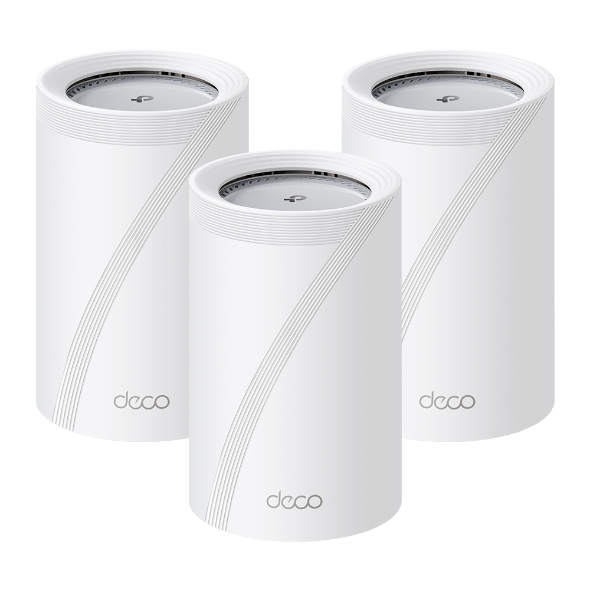
TP-Link
Designed as a dedicated whole-home mesh family
Watch: Confirm Australian stock, exact hardware revision and pack size before buying.
View product →TP-Link
Designed as a dedicated whole-home mesh family
Watch: Confirm Australian stock, exact hardware revision and pack size before buying.
View product →Things to consider
A wireless mesh node still needs a strong connection back to the main router. Putting it in the room with no signal simply gives you a very attractive device with no useful backhaul.
A cable between floors removes much of the uncertainty from wireless backhaul and lets each access point spend more airtime serving devices.
Many mesh kits are routers only. On FTTN or FTTB, keep a compatible modem in bridge mode or choose a mesh-capable modem-router.
Product comparison
The match score measures fit against this guide's published rules. It is not a universal product rating.
| Product | Price | Warranty | Key specifications | Guide match | Actions |
|---|---|---|---|---|---|
| TP-LinkDeco BE26 | $0 | Confirm the Australian retailer or RSP warranty |
| 97/100 | View productCompare |
| TP-LinkDeco BE65 Pro | $0 | Confirm the Australian retailer or RSP warranty |
| 97/100 | View productCompare |
| TP-LinkDeco BE65 Pro(2-pack) | $0 | Confirm the Australian retailer or RSP warranty |
| 97/100 | View productCompare |
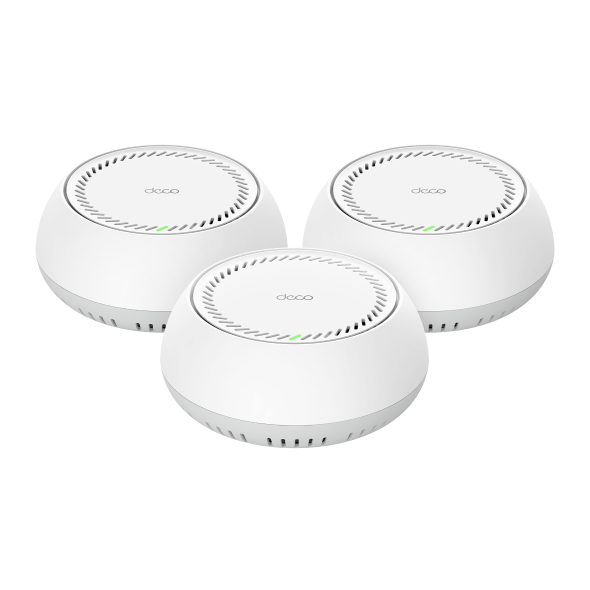 TP-LinkDeco BE65-PoE TP-LinkDeco BE65-PoE | $0 | Confirm the Australian retailer or RSP warranty |
| 97/100 | View productCompare |
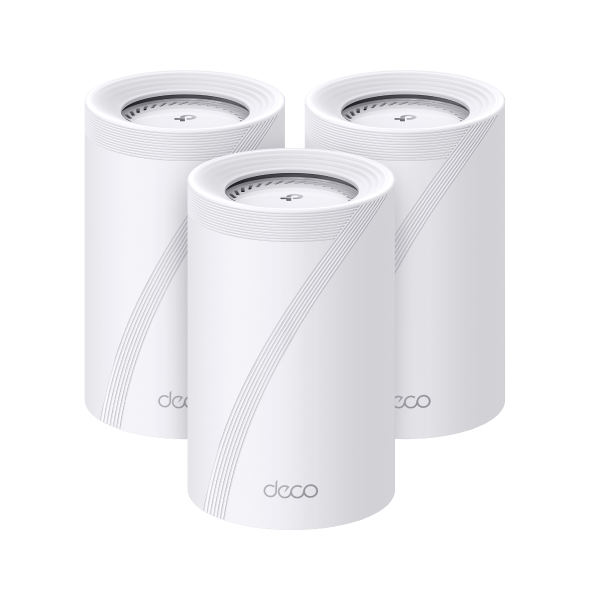 TP-LinkDeco BE77 TP-LinkDeco BE77 | $0 | Confirm the Australian retailer or RSP warranty |
| 97/100 | View productCompare |
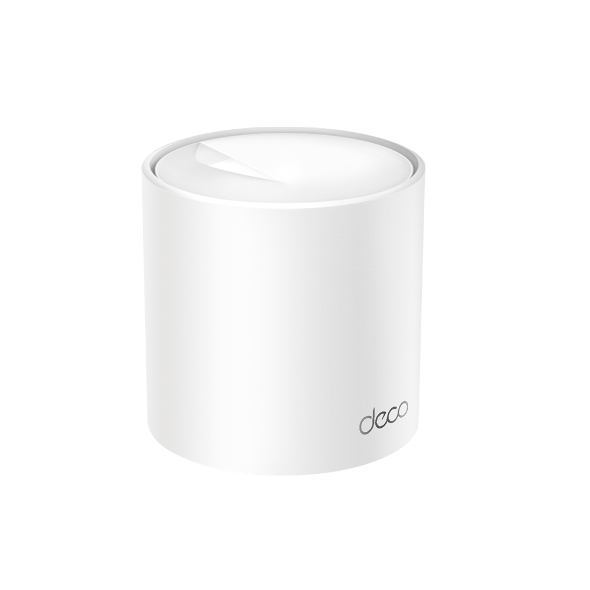 TP-LinkDeco X50 Pro TP-LinkDeco X50 Pro | $0 | Confirm the Australian retailer or RSP warranty |
| 97/100 | View productCompare |
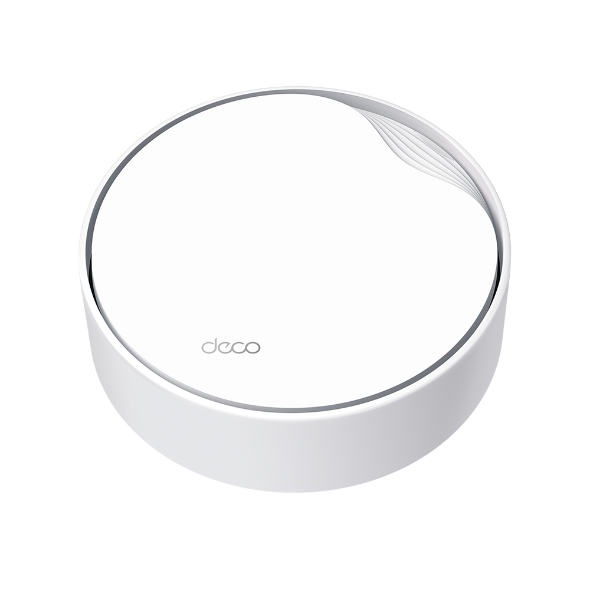 TP-LinkDeco X50-PoE(2-pack) TP-LinkDeco X50-PoE(2-pack) | $0 | Confirm the Australian retailer or RSP warranty |
| 97/100 | View productCompare |
| TP-LinkDeco X50-PoE(3-pack) | $0 | Confirm the Australian retailer or RSP warranty |
| 97/100 | View productCompare |
Frequently asked questions
Two is a sensible starting point for many homes. Large floorplans, dense brick or concrete and detached areas may need three or more after a site-specific check.
Wired Ethernet backhaul is preferable when practical because it improves consistency and preserves wireless capacity for client devices.
It cannot increase the speed delivered by the NBN service, but it can help more rooms receive a useful share of that connection.
Ready to narrow it down?