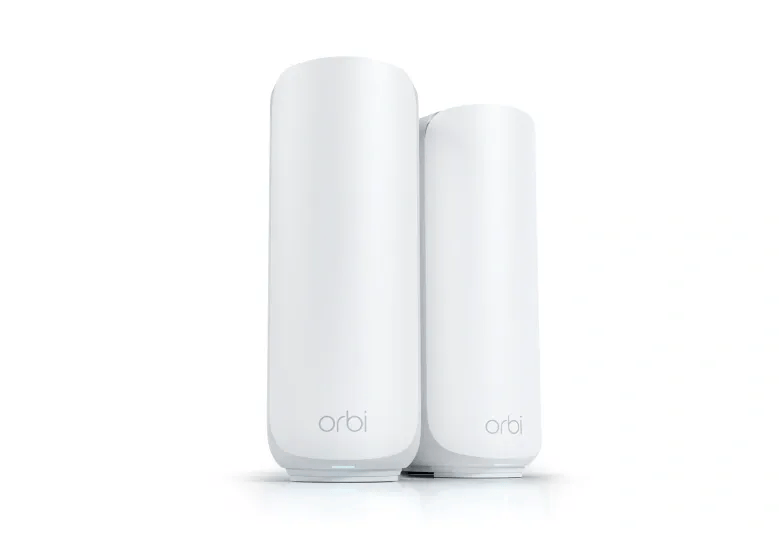

Orbi 373
97/100 guide matchResearch-based recommendation · catalogue evidence
A larger home wanting affordable multi-gig Wi-Fi 7 mesh without needing a 6GHz radio.
Watch: No 6GHz band.
View product → COMPARE
Australian buying guide · Networking
Double brick and internal masonry can weaken both the connection to your devices and the wireless backhaul between mesh nodes. More nodes are not automatically the cure when each one is placed after the same difficult wall.
Quick recommendations
One best-fit option per brand, selected using this guide's rules. Fewer choices appear when fewer brands qualify. Product details can change independently of the editorial update above; check each profile's source and verification dates before purchase.
Research-based recommendation · catalogue evidence
A larger home wanting affordable multi-gig Wi-Fi 7 mesh without needing a 6GHz radio.
Watch: No 6GHz band.
View product →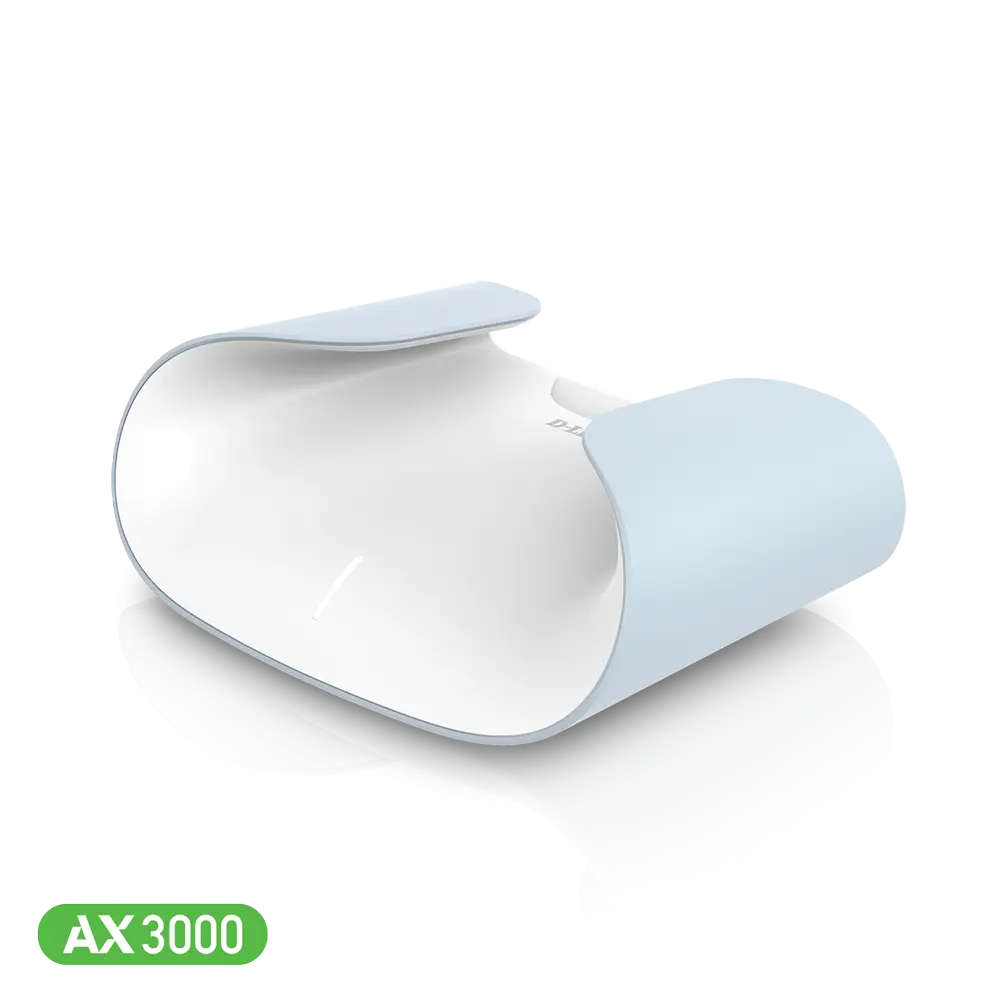
Research-based recommendation · catalogue evidence
Guide fit balanced against listed planning price: $150. Australian buyers comparing the AQUILA PRO AI range by NBN fit, coverage, ports and functions before confirming current stock.
Watch: Confirm current Australian stock, hardware revision and warranty channel before buying.
View product →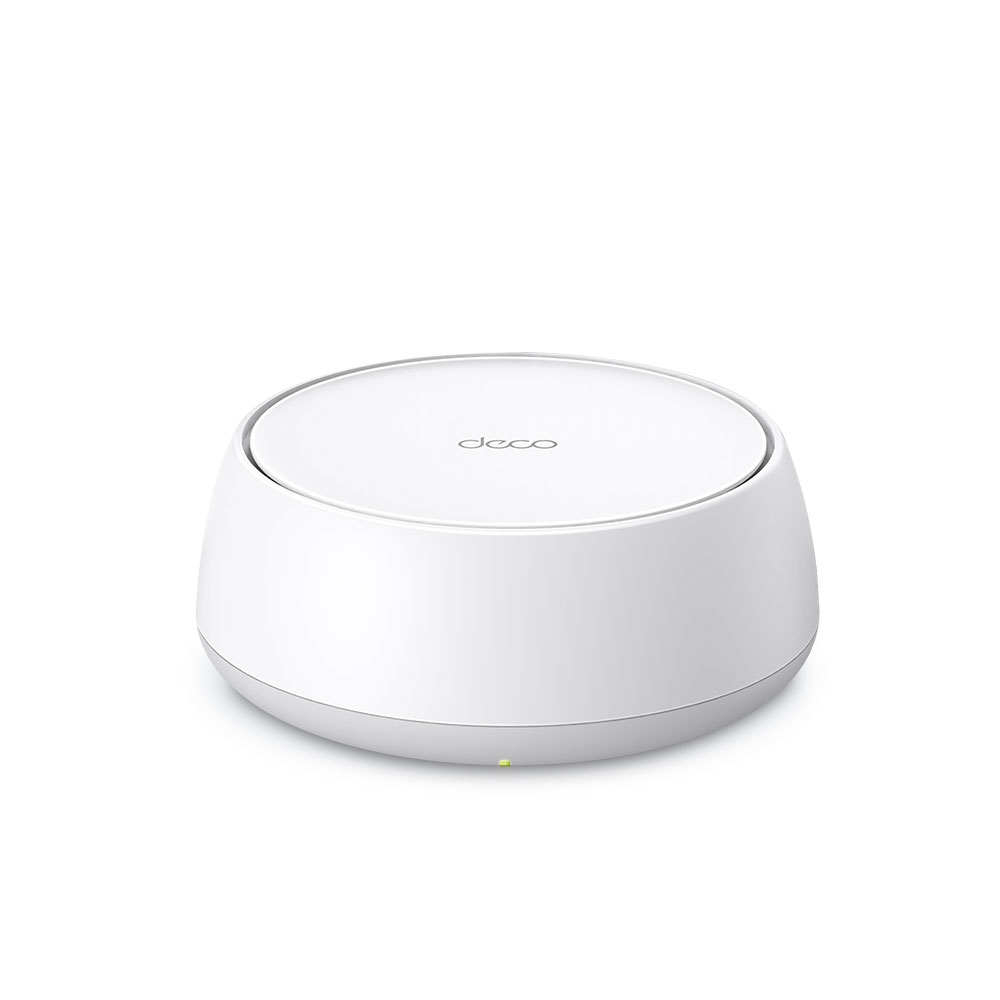
Research-based recommendation · catalogue evidence
Value-focused multi-gig mesh where 2.5GbE matters but a 6GHz band does not.
Watch: No 6GHz band.
View product →Use the recently checked NBN prices to compare first-year costs, then confirm connection requirements on each shortlisted router's source page. These are research-based recommendations; no household coverage test is claimed.
Things to consider
A mesh node needs a strong path back to the main unit. Hallways, stairwells and open doorways can be better radio paths than a visually symmetrical placement.
Ethernet between nodes removes the backhaul fight through brick and lets wireless capacity serve phones, TVs and computers.
Two nodes suit many average homes. Add a third only where the floorplan, detached room or measured signal shows it is needed.
Product comparison
The match score measures fit against this guide's published rules (55 baseline points plus up to 42 for matched preferences). Missing prices earn no affordability points. Equal scores mean equal rule matches, not equal tested performance. Prices are dated planning evidence, not live offers.
Scores use recorded catalogue attributes, not measured performance. Budget and premium selections compare remaining brand finalists, so they are alternatives to the overall pick.
| Product | Price | Warranty | Key specifications | Guide match | Actions |
|---|---|---|---|---|---|
| NETGEAROrbi 373 | $399 | Confirm the Australian retailer or RSP warranty |
| 97/100 | View productCompare |
| D-LinkM30 | $150 | Confirm the Australian retailer or RSP warranty |
| 71/100 | View productCompare |
| TP-LinkDeco BE25 | $499 | Confirm the Australian retailer or RSP warranty |
| 97/100 | View productCompare |
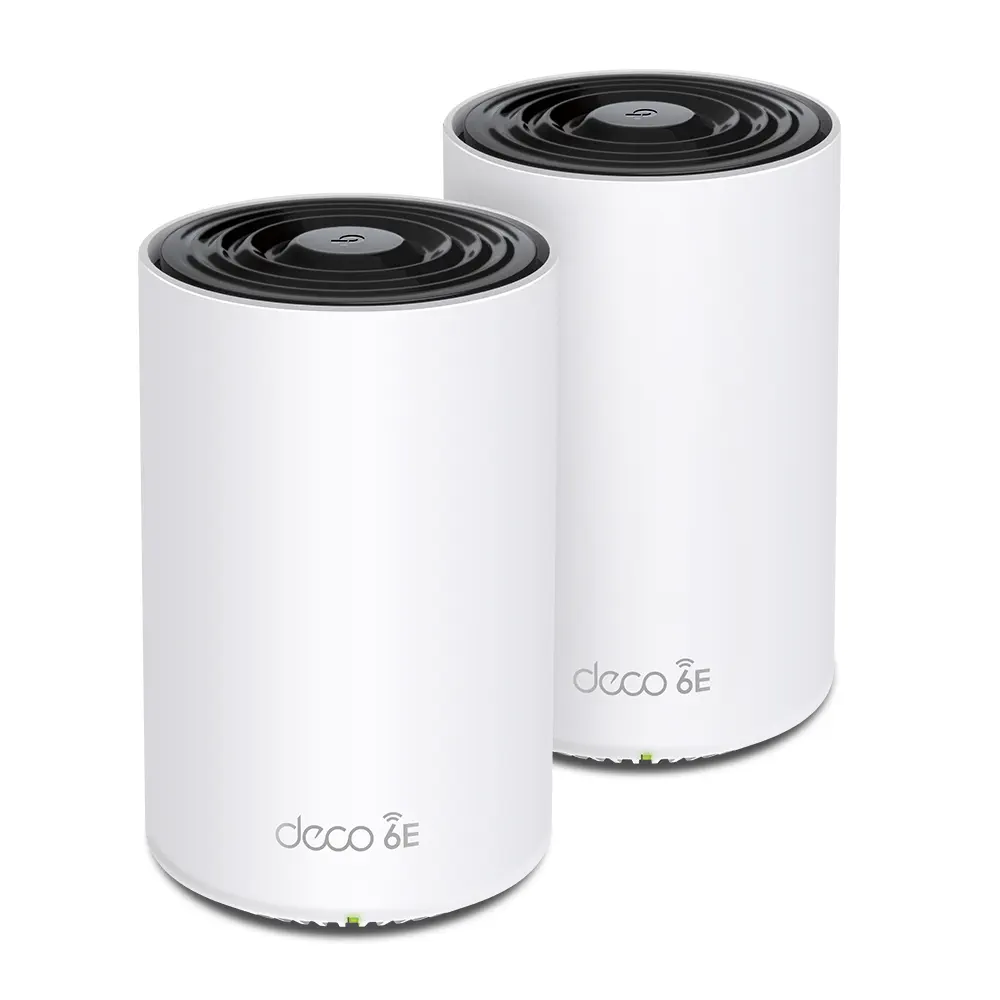 TP-LinkDeco XE75 Pro TP-LinkDeco XE75 Pro | $699 | Confirm the Australian retailer or RSP warranty |
| 97/100 | View productCompare |
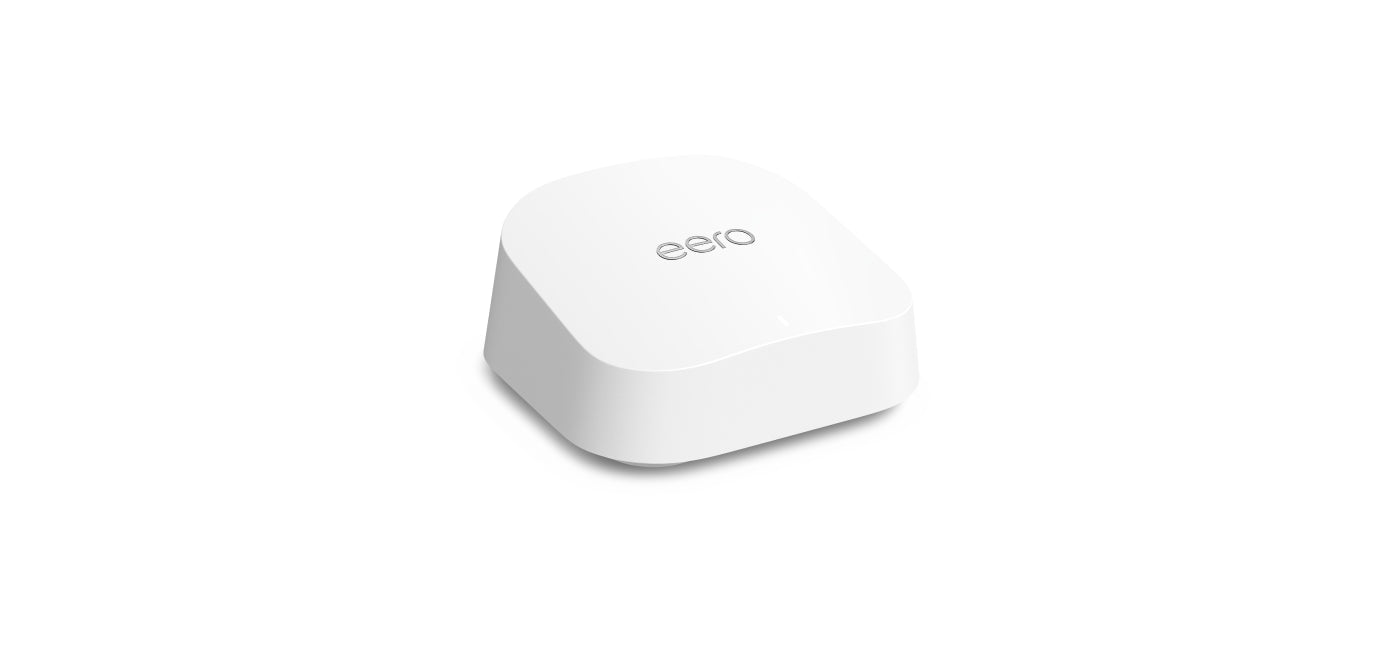 Amazon eeroeero 7 Amazon eeroeero 7 | $699 | Confirm the Australian retailer or RSP warranty |
| 97/100 | View productCompare |
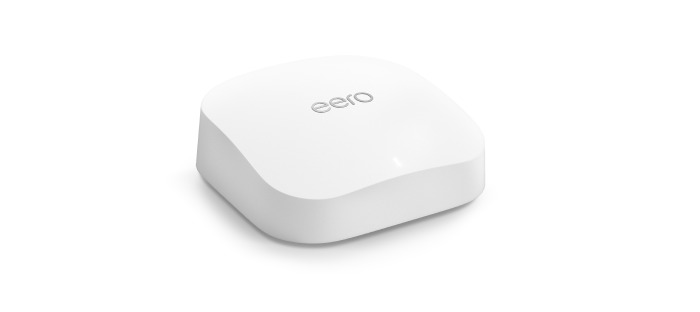 Amazon eeroeero Pro 6E Amazon eeroeero Pro 6E | $899 | Confirm the Australian retailer or RSP warranty |
| 90/100 | View productCompare |
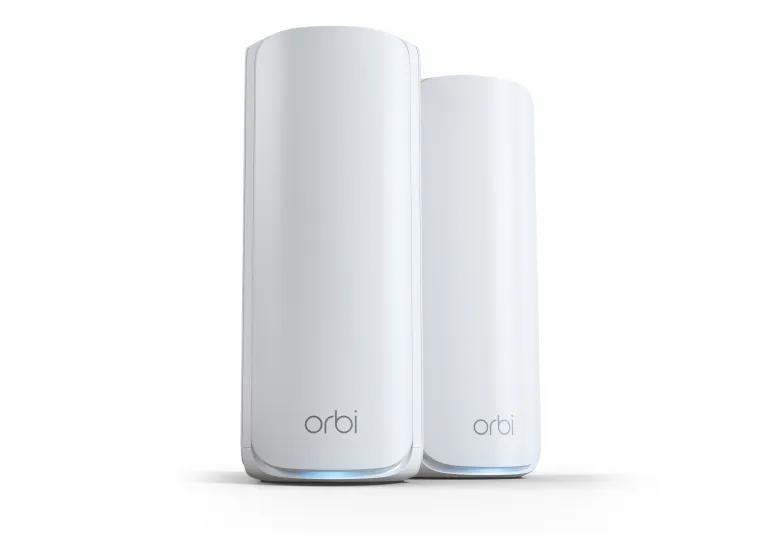 NETGEAROrbi 770 Series (RBE773) NETGEAROrbi 770 Series (RBE773) | $899 | Confirm the Australian retailer or RSP warranty |
| 90/100 | View productCompare |
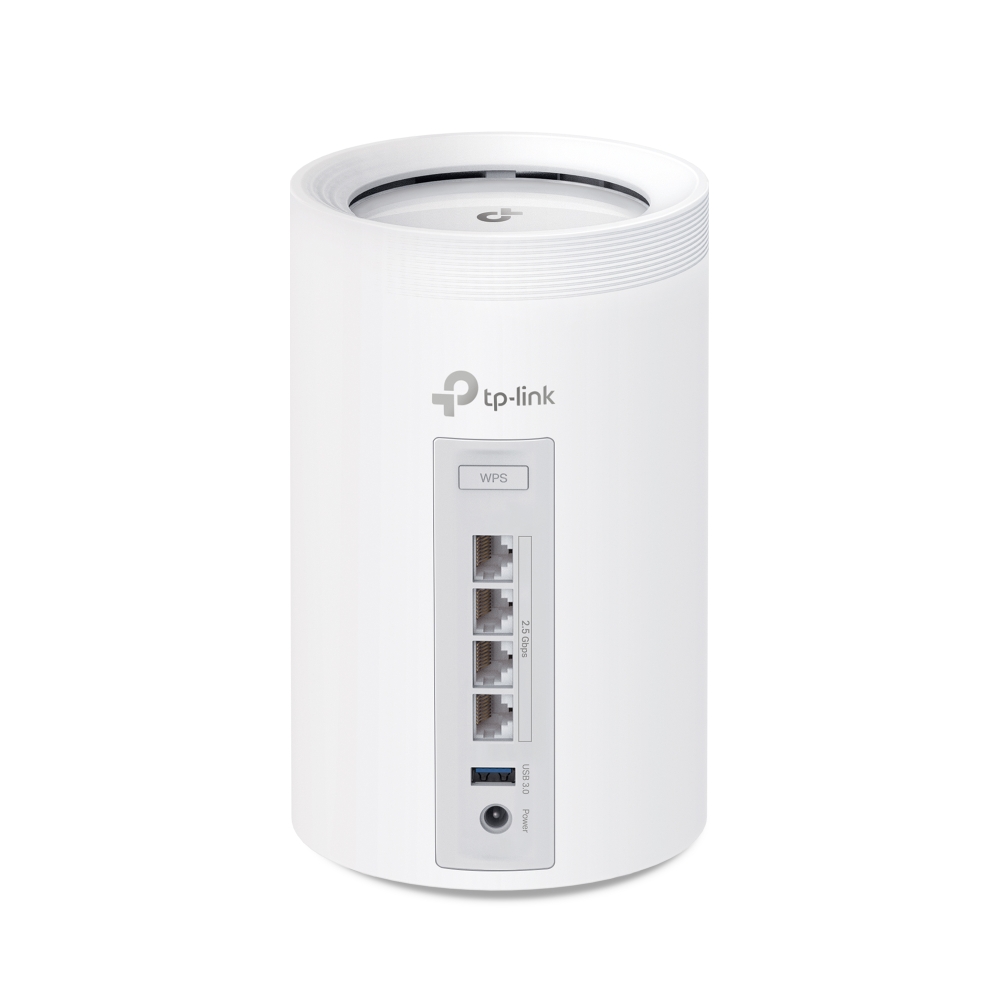 TP-LinkDeco BE65 TP-LinkDeco BE65 | $1,100 | Confirm the Australian retailer or RSP warranty |
| 90/100 | View productCompare |
Frequently asked questions
Not inherently. Higher-frequency channels can be faster at short range but still lose substantial signal through masonry.
No. Too many poorly placed nodes can create interference and roaming problems.
Yes, but FTTN still needs a VDSL2 modem or modem-router in front of a router-only mesh kit.
Ready to narrow it down?