TP-Link
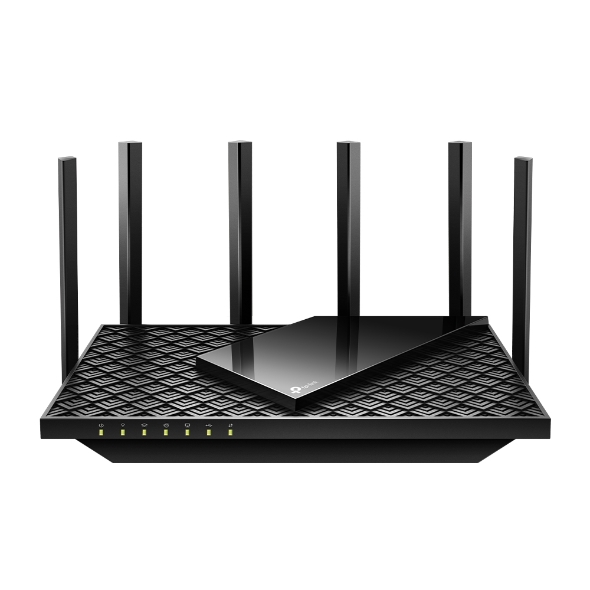
Archer AX72 Pro
97/100 guide matchOffers approachable setup
Watch: Confirm Australian stock, exact hardware revision and pack size before buying.
View product → COMPARE
Australian buying guide · Networking
Under $300 is enough for a sensible NBN router in many homes. The important part is buying the correct device type: FTTP needs a router, while FTTN and FTTB normally need VDSL2 modem capability somewhere in the chain.
Quick recommendations
Ranked from the catalogue using this guide's rules. Product details can change independently of the editorial update above; check each profile's source and verification dates before purchase.
TP-Link
Offers approachable setup
Watch: Confirm Australian stock, exact hardware revision and pack size before buying.
View product →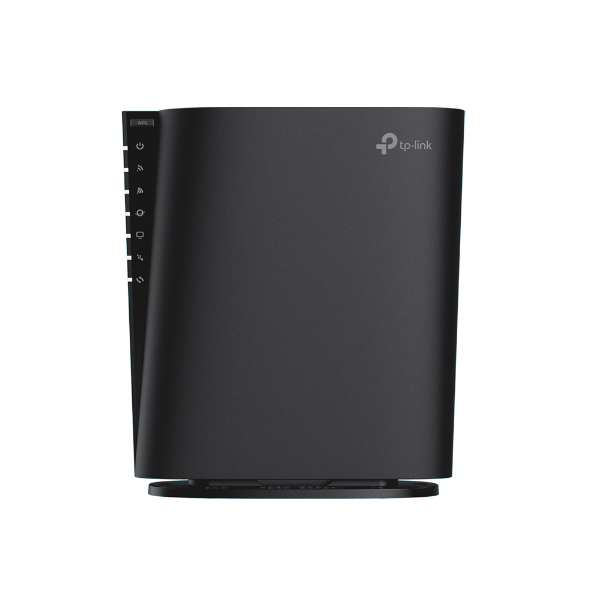
TP-Link
Offers approachable setup
Watch: Confirm Australian stock, exact hardware revision and pack size before buying.
View product →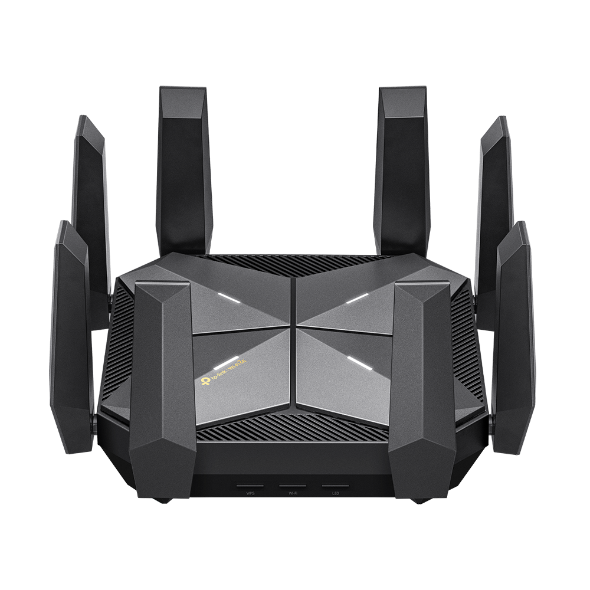
TP-Link
Offers approachable setup
Watch: Confirm Australian stock, exact hardware revision and pack size before buying.
View product →Things to consider
FTTP, FTTC, HFC and Fixed Wireless hand off over Ethernet. FTTN and FTTB require a compatible VDSL2 modem, either built into the device or operating separately.
A budget router with a 2.5GbE WAN can be useful for faster FTTP, but the remaining LAN ports may still be gigabit.
A low-cost mesh-capable router is not a whole-home mesh system until the necessary compatible nodes are included.
Product comparison
The match score measures fit against this guide's published rules. It is not a universal product rating.
| Product | Price | Warranty | Key specifications | Guide match | Actions |
|---|---|---|---|---|---|
| TP-LinkArcher AX72 Pro | $0 | Confirm the Australian retailer or RSP warranty |
| 97/100 | View productCompare |
| TP-LinkArcher AX80 | $0 | Confirm the Australian retailer or RSP warranty |
| 97/100 | View productCompare |
| TP-LinkArcher AXE300 | $0 | Confirm the Australian retailer or RSP warranty |
| 97/100 | View productCompare |
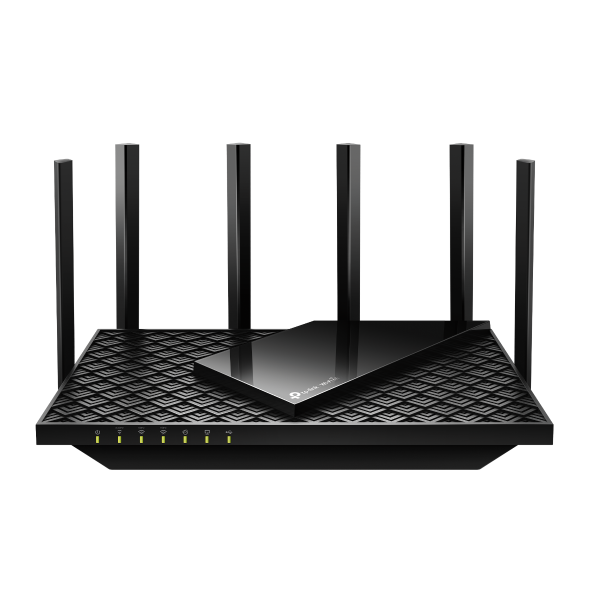 TP-LinkArcher AXE75 TP-LinkArcher AXE75 | $0 | Confirm the Australian retailer or RSP warranty |
| 97/100 | View productCompare |
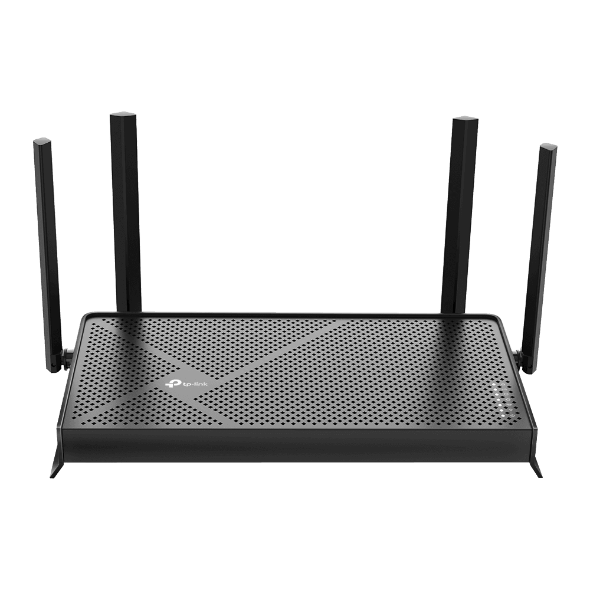 TP-LinkArcher BE3600 TP-LinkArcher BE3600 | $0 | Confirm the Australian retailer or RSP warranty |
| 97/100 | View productCompare |
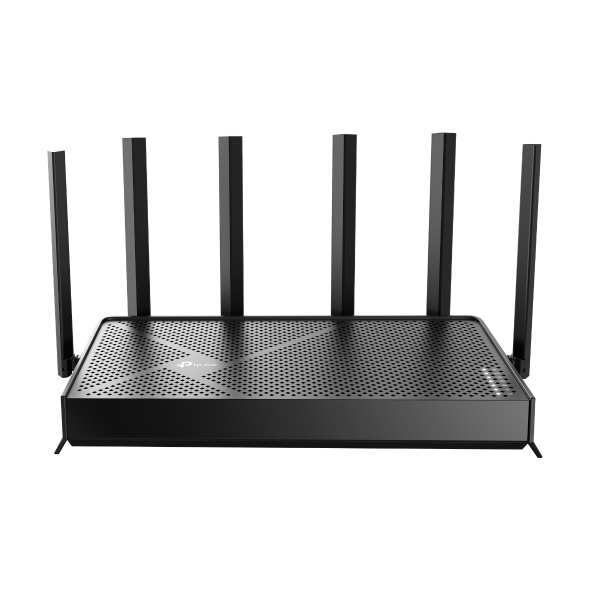 TP-LinkArcher BE400 TP-LinkArcher BE400 | $0 | Confirm the Australian retailer or RSP warranty |
| 97/100 | View productCompare |
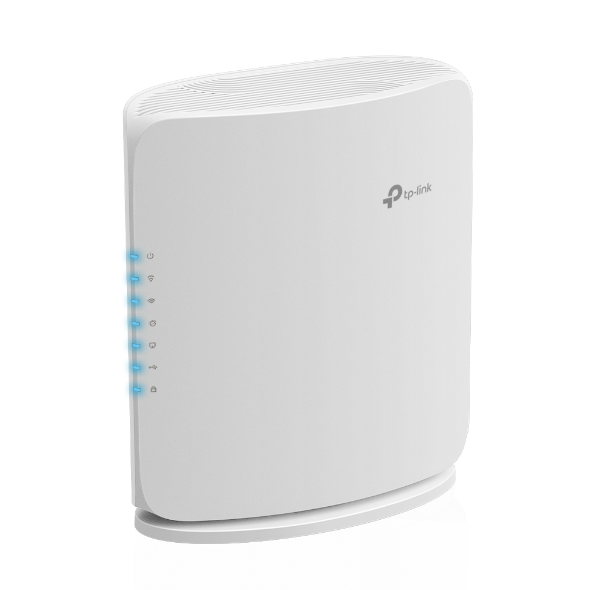 TP-LinkArcher BE450 TP-LinkArcher BE450 | $0 | Confirm the Australian retailer or RSP warranty |
| 97/100 | View productCompare |
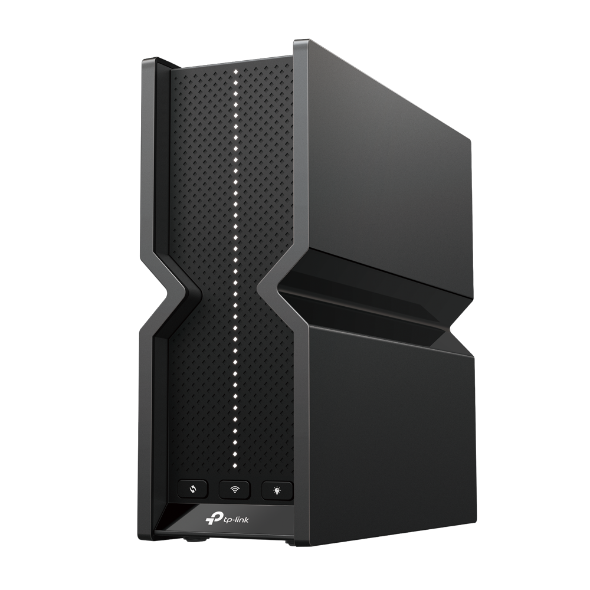 TP-LinkArcher BE550 Pro TP-LinkArcher BE550 Pro | $0 | Confirm the Australian retailer or RSP warranty |
| 97/100 | View productCompare |
Frequently asked questions
Often yes for wired routing, but Wi-Fi coverage, client capability and Ethernet port layout still matter.
Only models with VDSL2, or routers connected behind a separate compatible modem.
Not if doing so compromises coverage, ports or support. Good Wi-Fi 6 remains practical for most devices.
Ready to narrow it down?