
The short version
What you need to know.
- The T150 combines radar and passive infrared sensing to detect movement and help recognise someone who remains seated.
- Tapo's Australian store listed it at A$89 and sold out when checked on 6 September. A compatible Tapo hub is also required.
- It could improve lighting automation, but it is not a sleep or fall monitor, and Matter does not expose every setting.
The light is smart. Apparently you're invisible.
You walk into a room, the lights turn on, and everything feels very clever. Then you sit down to read something. A few minutes later you're in the dark, waving an arm around like you're trying to flag down a waiter.
This is the sort of smart-home problem I actually want manufacturers to fix. I don't need another way to change a bulb to purple. I want the house to stop deciding I've left when I'm still sitting on the couch.
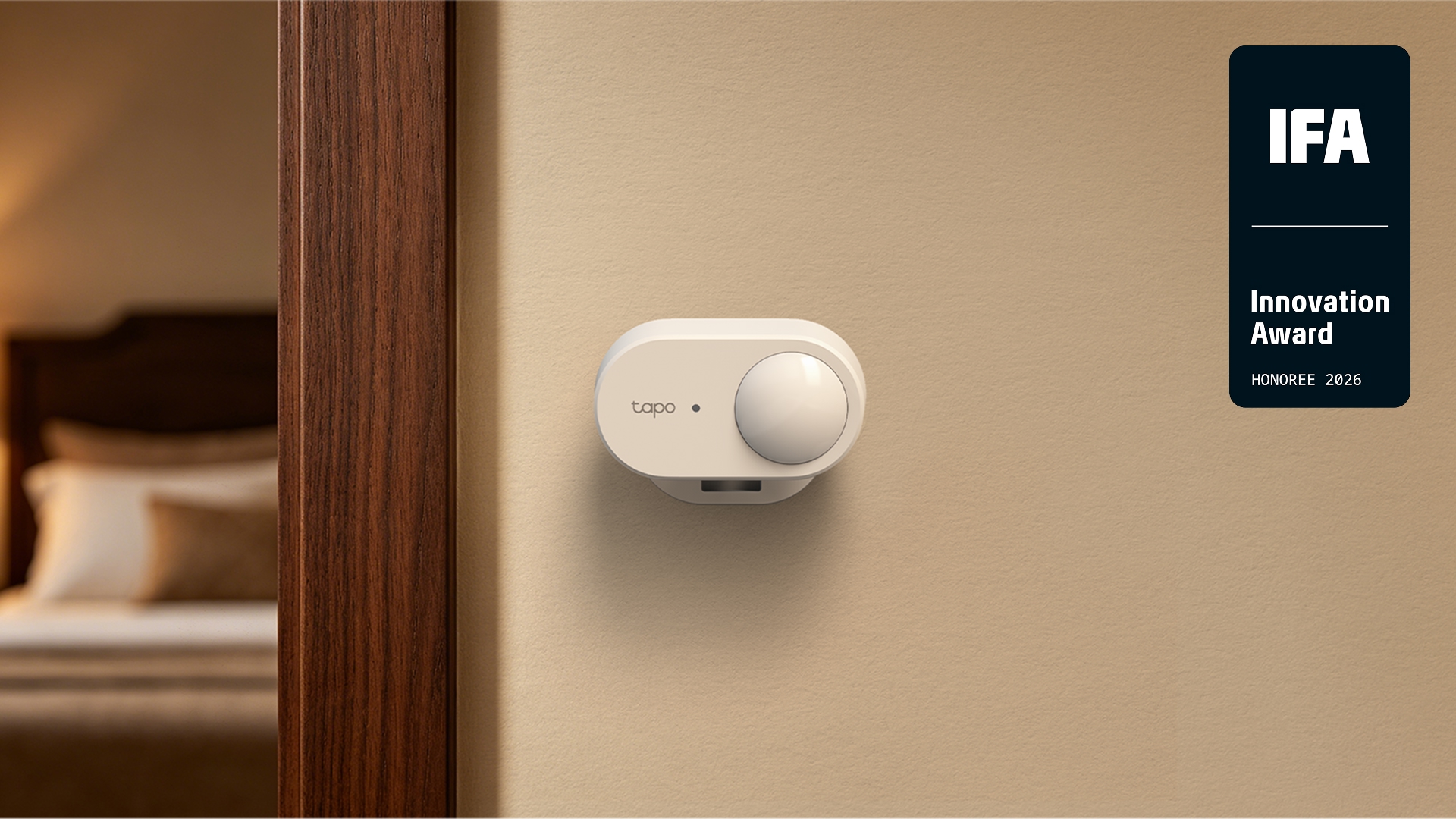
Tapo's T150 is designed to help with exactly that. TP-Link highlighted it in this week's IFA Innovation Awards announcement, alongside its new routers. The sensor combines human presence, motion, temperature, humidity and ambient-light detection in one battery-powered device.
I haven't tested a T150. This is a look at its Australian listing and technical documentation, with a practical verdict on where it could make sense. The distinction matters because reliable detection in a real room is the whole point.
Motion and presence aren't quite the same job
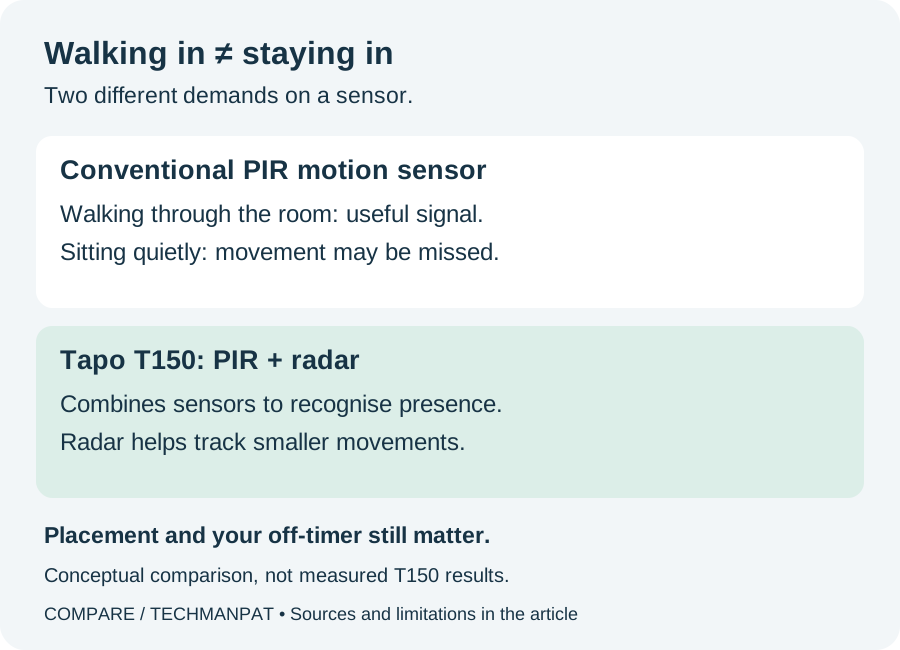
A conventional passive infrared sensor, usually shortened to PIR, responds to changes as a warm body moves across its field of view. That makes it useful for noticing someone walking into a hallway. Sitting quietly is a harder assignment. Texas Instruments describes this limitation in its technical explanation of PIR occupancy sensing.
If your lighting rule turns everything off after a period without motion, a missed movement can be interpreted as an empty room. Extending the timer may help, but it also leaves the lights on longer after you actually leave.
The T150 adds millimetre-wave radar. Tapo says its recommended hybrid mode uses both sensor types to establish presence, then radar helps maintain that occupied state through smaller movements. It is still detecting physical signals, not somehow knowing a person is there.
That is the useful improvement to look for: can it keep a room occupied while you read or work, then recognise that you have left? I would care much more about that than a feature count on the box.
What Australian buyers can actually check today
There is an Australian product page and an official Australian store listing. On 6 September 2026, the store showed A$89 and sold out. That confirms a local listing, not immediate stock or a delivery date. The overseas announcement's 'later this month' wording should not be read as an Australian shipping promise.
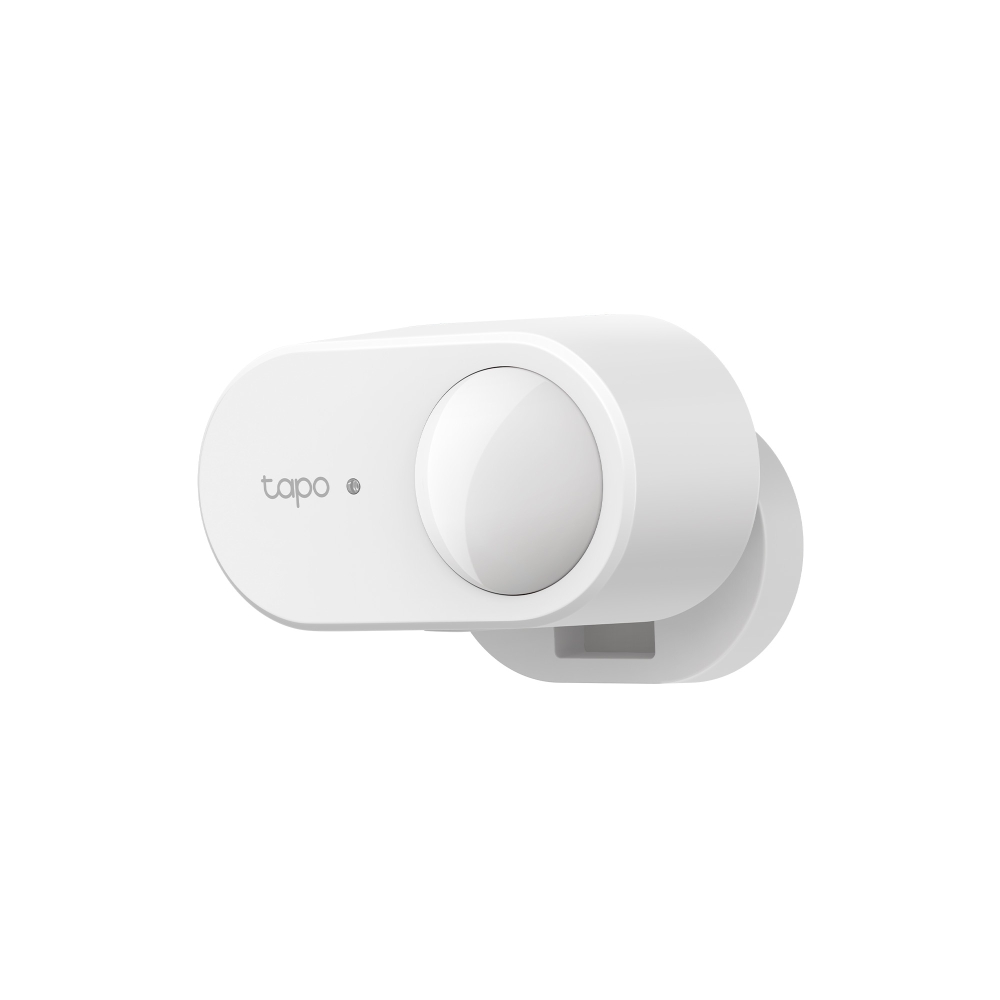
TP-Link specifies a maximum six-metre detection distance, with the range qualification applying when directly facing the sensor. It runs on two AAA batteries, with up to three years claimed from laboratory testing. Actual battery life depends on use and conditions.
The battery arrangement is appealing. You can choose a position based on the room rather than the nearest power point. But the price of the sensor is only part of the setup: you also need a compatible Tapo hub and something controllable, such as a suitable smart light or plug. Buying the sensor alone won't automate an ordinary lamp.
The hub and Matter catch
Tapo's installation guide requires a Tapo hub with updated firmware, the Tapo app and an account for setup. Before ordering, confirm T150 support for your exact hub model and regional hardware version. Having a Tapo camera or a TP-Link router is not itself confirmation that you have the required hub.
For third-party platforms, the connection goes through the hub. TP-Link's Australian compatibility table distinguishes account linking from Matter, with different capabilities depending on the route and platform.
Its table lists presence and absence automation triggers across the supported combinations. Apple Home through Matter also gets temperature, humidity and ambient-light data. However, radar sensitivity, detection range and confirmation-time settings are not exposed through those third-party integrations in the table checked.
The table was updated in July using June 2026 compatibility data, so it is a useful reference rather than a permanent guarantee. My advice is to check the exact automation you want. 'Works with Google Home' is a much broader statement than 'supports this particular light-level trigger in Google Home'.
Placement will decide whether you love it
The installation guide allows a shelf, magnetic attachment, adhesive mounting or screws. I would start with a temporary position and live with it before making holes. Test the place where you actually sit, not just whether walking through the doorway switches a light on.
Tapo's support advice favours a wall or corner over the ceiling. It also warns that excessive sensitivity and movement beyond thin partitions can cause problems. Pets are not automatically irrelevant: the troubleshooting advice includes reducing sensitivity or range if they trigger it.
That is more useful than treating the marketing promise of no false triggers as a guarantee. A sensor that notices you perfectly but also notices movement in the next room can still make for frustrating lighting.
My suggested trial would be simple: sit and read, work at the desk, leave the room, then repeat with the fan running and pets moving around normally. Check both failures: lights going off too early and lights staying on after everyone has left.
The automation I'd start with
For a lounge or home office, I would start with one modest rule: when someone is present and the room is dark, turn on a lamp. Then add a separate off rule after a sensible period of confirmed absence. The exact options depend on your chosen platform.
Keep a manual way to control the light. If someone wants to watch a film in the dark, the room should not overrule them every time they shift on the couch. Think about a bedtime or movie setting before attaching presence detection to every light in the house.
The temperature and humidity readings could be useful later, but I would get one lighting routine working properly first. Buying a five-function sensor does not oblige you to create five automations on the first night.
Don't turn it into a sleep monitor
Tapo explicitly says the T150 does not support sleep monitoring or fall detection. It also says it cannot guarantee a continuous presence reading throughout sleep. That is a clear limit on the claim that it detects someone sitting still.
I would use it to make a room more convenient, not to decide whether someone is safe or needs help. Those are different jobs with different requirements.
My take: start with the room that annoys you
The T150 makes most sense to me if you already have compatible Tapo equipment and a specific lighting problem to solve. A lounge or office where a motion timer repeatedly leaves you in the dark is a much stronger reason to try it than simply wanting more smart-home gadgets.
A hallway that already works well may need nothing changed. And if you're starting from scratch, price the hub and lighting hardware before deciding whether an A$89 sensor is good value.
There is a sensible idea here, with Australian documentation detailed enough to reveal the compromises. I'd try one room when stock is available, check that it behaves properly, and only then consider buying more. The goal is to forget the sensor exists. If you're still waving at the wall, it hasn't earned its place.
Sources
Read the evidence.
- IFA 2026 announcement highlighting Tapo T150TP-Link ↗
- Australian T150 listing: price and stock checked 6 SeptemberTapo Australia ↗
- Australian specifications and official product imagesTP-Link Australia ↗
- T150 setup, detection limits and troubleshootingTP-Link Australia ↗
- Third-party platform compatibility and automation triggersTP-Link Australia ↗
- T150 installation and user guideTapo ↗
- Technical background: PIR and occupancy detectionTexas Instruments ↗
Researched 6 September 2026. This is a documentation-based buyer explainer, not a hands-on review. Detection and battery-life figures are manufacturer claims. Australian stock, price, hub support and platform capabilities may change. Photos are official manufacturer imagery; the sensor comparison is an original explanatory graphic.
Community
Add to the article.
Useful experiences, questions and corrections make the next reader’s decision easier.
Comments appear here after moderation.