
The short version
What you need to know.
- TP-Link has announced Archer 8 Ultra and Deco 8 Ultra, with selected-region Archer pre-orders planned for 30 September.
- Wi-Fi 8's underlying standard is still being developed. Reliability improvements are the aim, not a guaranteed speed increase for every device.
- My take: don't delay fixing poor home Wi-Fi solely for this announcement. Australian pricing, availability and independent testing still matter.
Should you put that router purchase on hold?
My short answer is no, not just because Wi-Fi 8 has appeared in a headline. If your home network needs replacing now, a suitable current router or mesh system can still be a sensible purchase. If everything already works, this isn't a reason to buy anything.
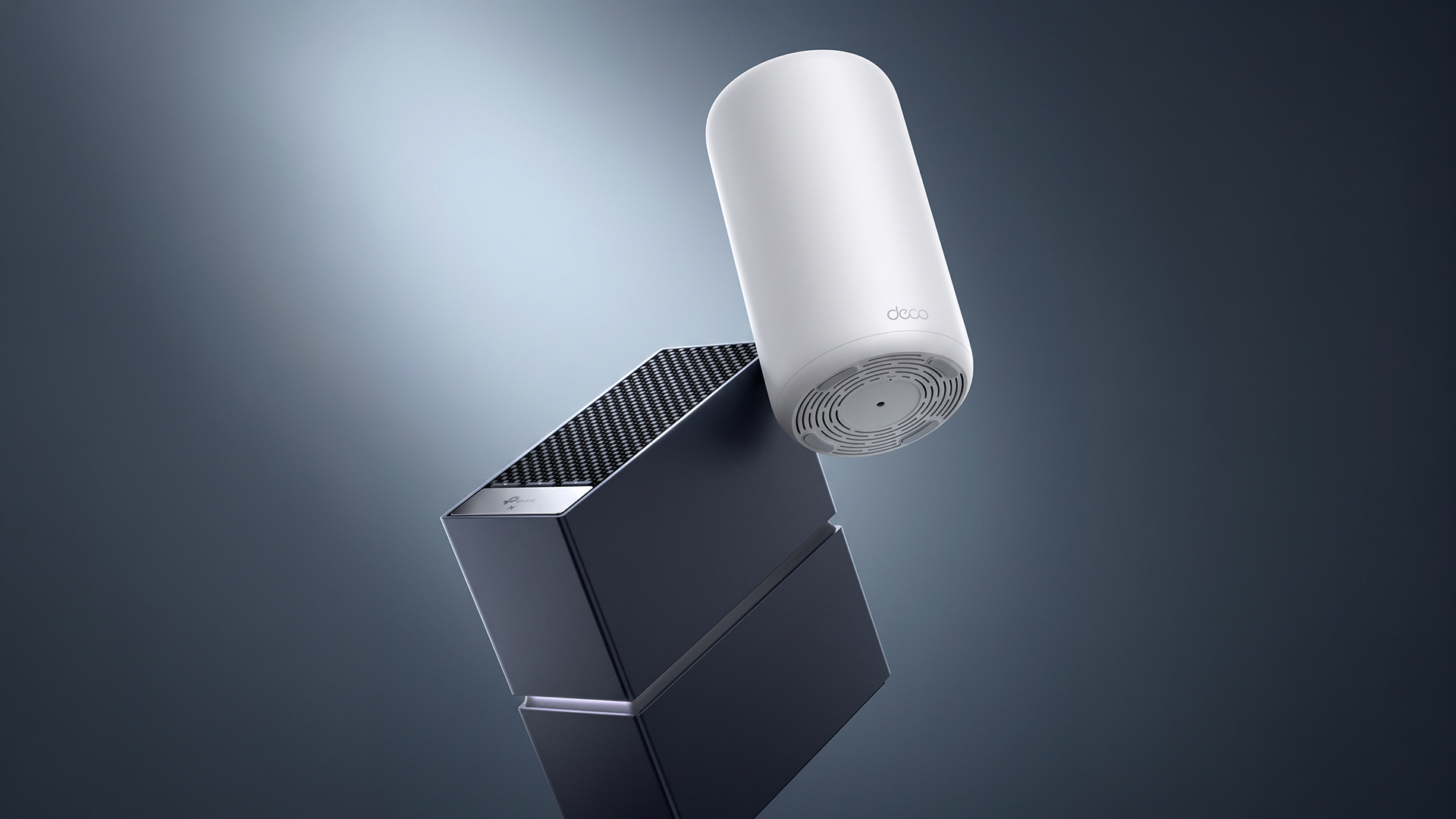
TP-Link has unveiled the Archer 8 Ultra router and Deco 8 Ultra mesh system around IFA 2026. Its announcement is dated 1 September and sets a fuller online launch for 30 September. That's useful news for anyone researching a new setup, but it isn't the same as having Australian products on shelves.
I haven't tested either device. This is a look at what has been announced, what the new generation is trying to improve and how I'd approach the buying decision. There will always be another router coming. The trick is knowing whether it solves a problem you actually have.
What TP-Link has actually announced
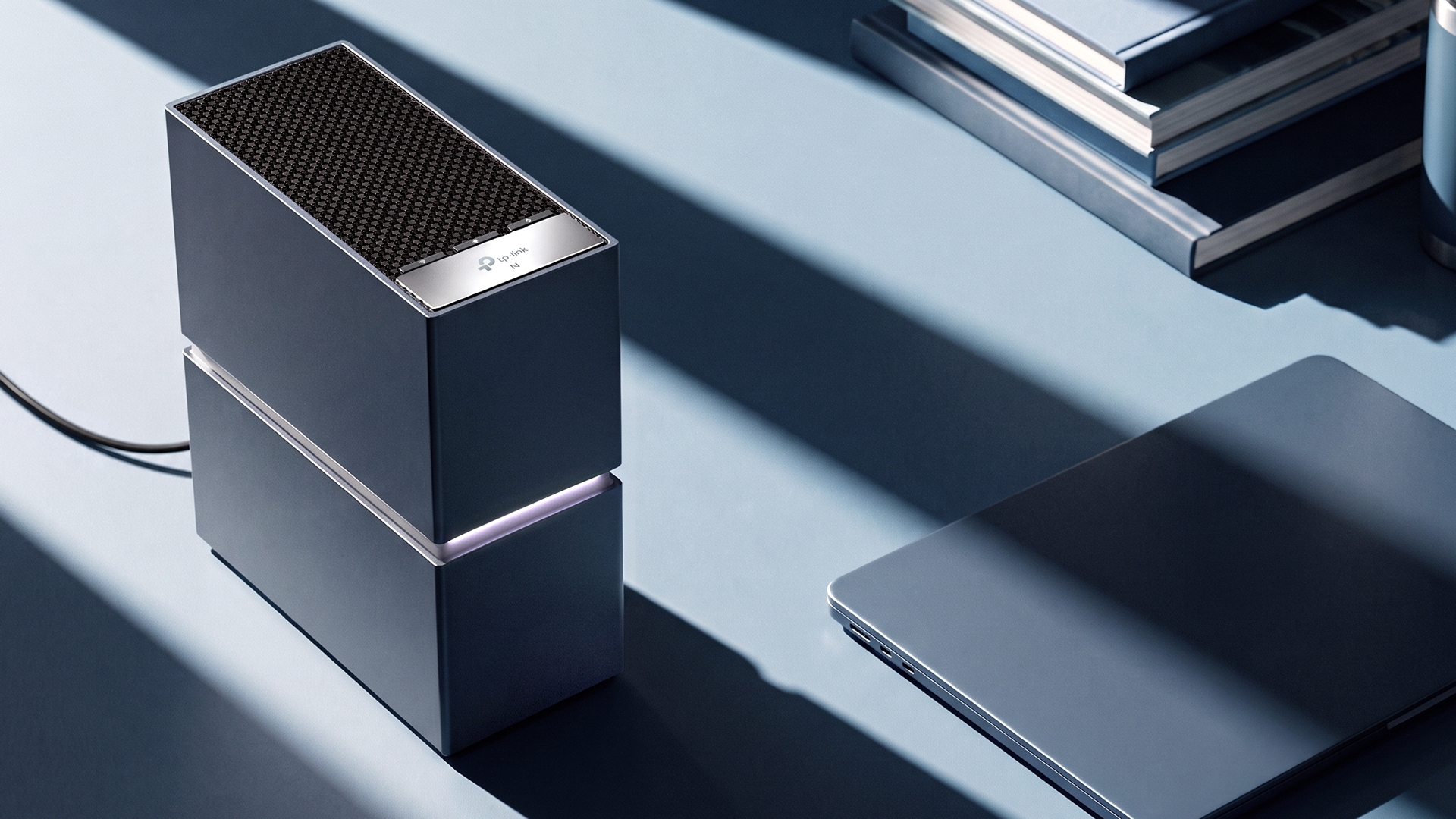
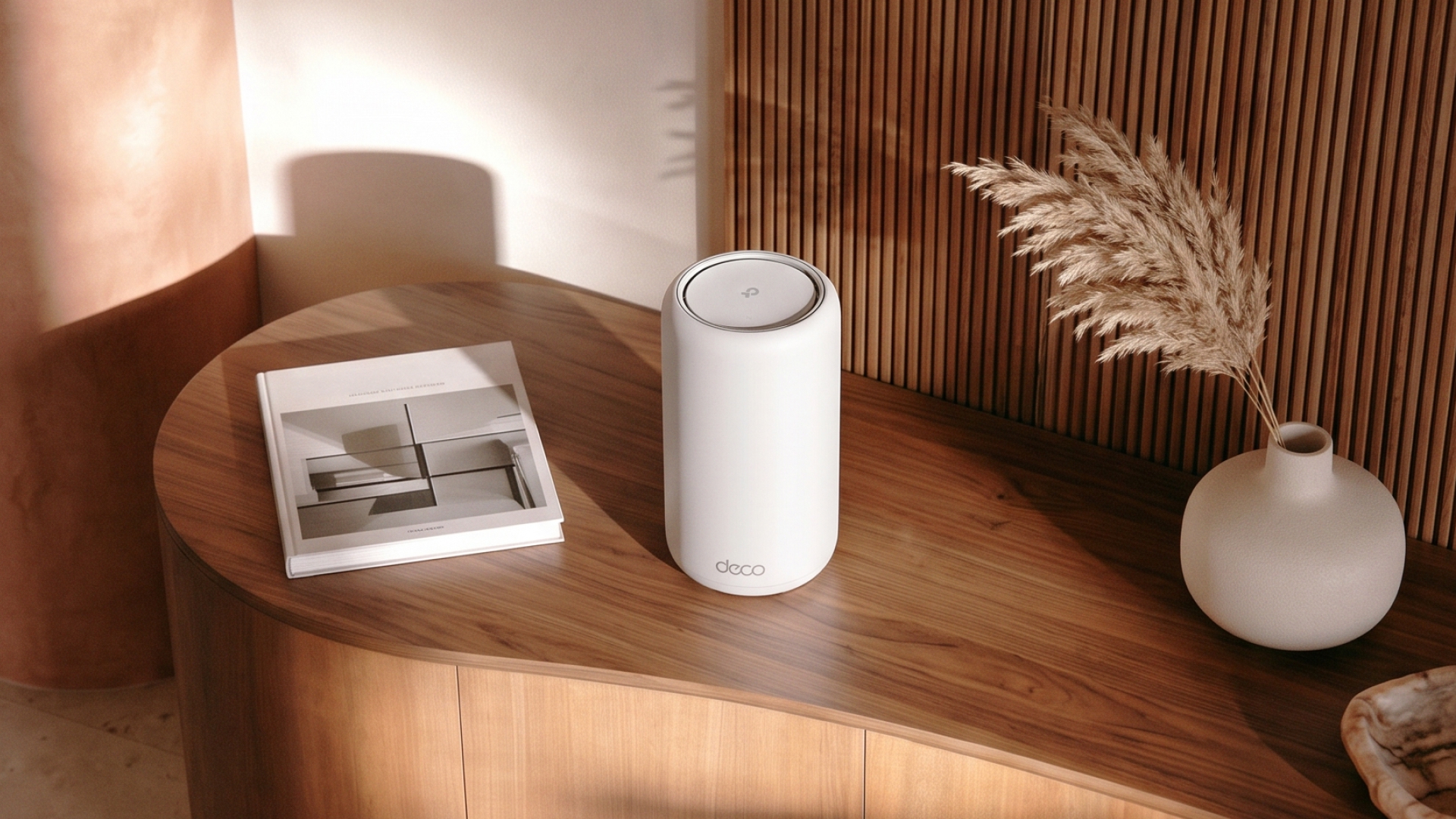
The Archer 8 Ultra, also identified as Archer BN800, is the standalone router. TP-Link advertises tri-band wireless rates totalling up to 19Gbps and 10Gbps wired connectivity. The Deco 8 Ultra, or Deco BN85, is the mesh option, with an advertised aggregate wireless rating of up to 22Gbps, depending on region.
Those are manufacturer specifications, not measured speeds in an Australian home. TP-Link says selected-region Archer pre-orders are planned from 30 September, while its broader Deco 8 mesh rollout is listed for the first quarter of 2027. Regional models and timing may differ.
At publication, I haven't established Australian prices or confirmed local delivery dates from the official launch material checked. I wouldn't convert an overseas price or assume an overseas pre-order includes Australia.
The interesting part isn't the bigger number
Wi-Fi 8 is the name associated with the developing IEEE 802.11bn standard. Samsung Research describes its emphasis as more reliable performance in difficult conditions, including the edges of coverage and situations where delays matter.
The stated project goals include higher throughput under challenging signal conditions, reduced latency and fewer dropped packets during roaming. These are development objectives, not a promise that installing a new router makes your internet 25 per cent faster.
That's a direction I can get behind. I'd rather a video call stay clear in the study than win a speed test standing beside the router. The question is how much of that improvement reaches a normal house, using normal devices, at a price that makes sense.
TP-Link calls its implementation StabilityEngine. Its product material describes improved scheduling, coverage and coordination. I'll be interested in testing the outcome, but a name on the box doesn't establish how reliably a laptop will work behind a couple of walls.
Wi-Fi 8 isn't a finished standard yet
The IEEE's current project timeline lists 802.11bn at draft 2.0, with later approval milestones forecast in 2028. The dates are predictions, not a fixed promise. That makes these early products a different proposition from buying into a fully settled generation.
I wouldn't dismiss early hardware automatically. But I'd want TP-Link to explain which features are implemented at launch, what depends on later firmware, and what assurances it offers as the specification develops. I would not assume software can add every future capability.
Device compatibility matters as well. Buying a new router doesn't turn an existing phone or laptop into a Wi-Fi 8 device. Some improvements may come from the network equipment itself; others need support elsewhere in the connection. Ask about your actual devices, not just the generation printed on the router.
For an enthusiast who enjoys trying new networking equipment, being early can be part of the appeal. For someone who wants the household internet to stop being a topic of conversation, I'd put proven reliability and support ahead of launch-day bragging rights.
No, 22Gbps doesn't mean a 22Gbps NBN connection
The word to notice in TP-Link's figures is aggregate. A combined wireless rating is not the download speed promised to one laptop, and it isn't the speed of your internet plan.
Your NBN service and your home Wi-Fi do different jobs. The first gets an internet connection to your premises. The second carries traffic wirelessly around the house. Improving one doesn't automatically remove limits in the other.
As a simple example, putting a router advertised at 19Gbps on a 100Mbps internet plan does not turn that plan into a 19Gbps service. Faster local networking can still be useful for moving files inside the home, but that is a separate use case.
Before spending money, I'd compare a wired test through the router with Wi-Fi tests nearby and in the room that gives trouble, using suitable equipment. That helps narrow down whether the main problem is the internet service, wireless coverage or the particular device. It isn't a complete diagnosis, but it's a better start than buying the largest number.
Archer or Deco? Start with the house
I'd frame the choice around layout. Do you need one well-positioned router, or coverage from several locations? That's the more useful starting point than deciding that every household needs a flagship mesh kit.
NBN Co's own advice includes placing the router in an open, raised location, checking device compatibility, considering mesh for coverage and using Ethernet where performance matters. Solid walls and poor placement still deserve attention before an upgrade.
For a mesh system, I'd also ask how its units will connect to each other. Backhaul is simply that connection between nodes. Check whether your chosen system supports using existing Ethernet cabling, rather than assuming every additional wireless node will improve the result.
If the current router is buried behind a television at one end of the house, I'd sort out the layout before paying an early-adopter premium. A newer generation shouldn't become an expensive way of avoiding that conversation.
So, is Wi-Fi 7 still worth buying?
Yes, if it suits your needs and budget. I wouldn't tell someone to keep putting up with an unreliable network for an unconfirmed Australian launch. Equally, I wouldn't insist everyone needs Wi-Fi 7: a supported existing setup that delivers what you need hasn't stopped being useful.
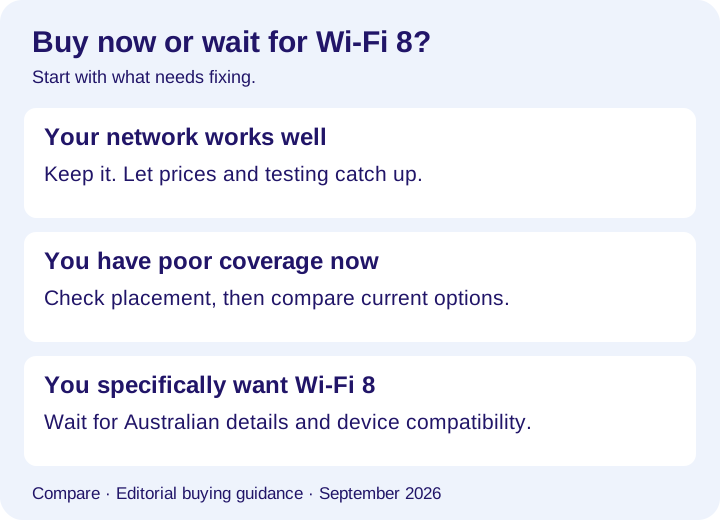
If you already have good Wi-Fi, wait. There is no penalty for letting local prices, final specifications and independent tests arrive before deciding.
If you need better coverage now, investigate placement and the layout first, then compare available routers or mesh systems. Check the ports you need, ISP compatibility, ongoing software support and any subscription features you might actually use.
If you specifically want to be an early Wi-Fi 8 buyer, wait for the Australian details and ask what your devices can take advantage of. Spend for confirmed capabilities, not a list of future possibilities.
My verdict: Wi-Fi 8 is worth watching because dependable connections matter. But it doesn't make Wi-Fi 7 a bad purchase overnight. Buy for the network you need today, and make the next generation earn the upgrade.
Primary sources
Read the evidence.
- IFA announcement and planned regional availabilityTP-Link ↗
- Wi-Fi 8 product details and advertised featuresTP-Link ↗
- Current IEEE 802.11 project timelinesIEEE 802.11 Working Group ↗
- Wi-Fi 8 reliability objectivesSamsung Research ↗
- Optimising a home internet setupNBN Co ↗
Checked 5 September 2026. This is announcement analysis, not a hands-on review. Patryk has not tested Archer 8 Ultra or Deco 8 Ultra. Advertised rates and capabilities are manufacturer claims; IEEE dates are forecast milestones. Australian pricing and availability have not been confirmed in the sources checked. Official TP-Link product images are credited in their captions; the decision graphic is original Compare artwork.
Community
Add to the article.
Useful experiences, questions and corrections make the next reader’s decision easier.
Comments appear here after moderation.