
The short version
What you need to know.
- ASUS lists GT-AX6000 firmware 3.0.0.6.102_37437, dated 20 October 2026, addressing DNS failures when DNSSEC is enabled.
- The release note does not establish that the October root-key rollover caused this router issue, or that other ASUS models are affected.
- Check your exact model, back up settings and follow ASUS’s update instructions. Permanently disabling DNSSEC is not the fix recommended here.
The Wi-Fi bars are only part of the story
You sit down to finish something, the laptop shows a lovely strong Wi-Fi signal, and absolutely nothing loads. The little fan-shaped icon is looking very pleased with itself for a device that has achieved precisely half the job.
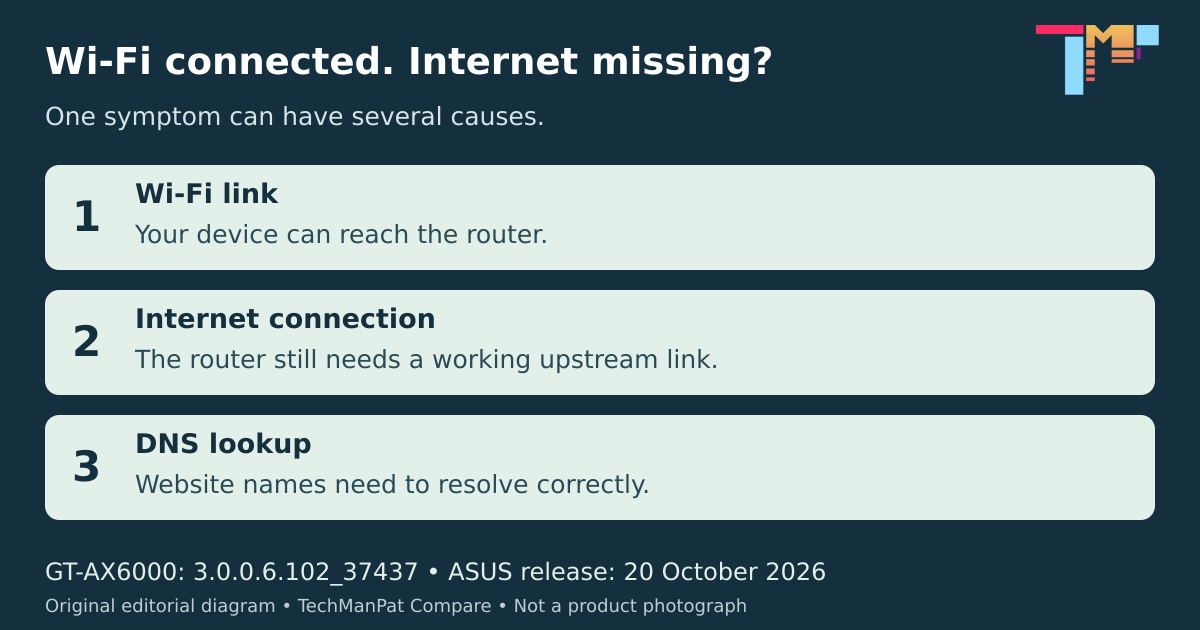
Wi-Fi tells you about the local wireless connection. Getting online also depends on the internet connection and services such as DNS, which turns website names into addresses. DNSSEC adds checks that help a validating resolver establish whether DNS data is authentic.
There is now a specific update worth checking if you own an ASUS GT-AX6000. This is a useful troubleshooting lead, rather than a reason to blame every dropped connection on your router.
The update we could actually verify
ASUS’s Australian GT-AX6000 support page lists firmware 3.0.0.6.102_37437, released on 20 October 2026. Its note says the update fixes an issue that could cause DNS resolution failures and loss of internet access with DNSSEC enabled.
We checked the freshly retrieved support page and the official download data behind it on 22 October; both agree on the version, date and fix. That matters when cached search results or older page extracts show a previous release.
The confirmed model here is GT-AX6000. Owners of other ASUS routers should check their own exact model’s release notes. Similar symptoms do not establish that they have the same bug, and firmware for a vaguely similar model is not interchangeable.
Where the root-key rollover fits
IANA says the DNS root began using a new Key Signing Key on 11 October. This was planned maintenance of the DNSSEC trust anchor. Validating resolvers that had not updated their trust could experience validation failures; most users were not expected to see disruption.
In his 21 October APNIC analysis, Geoff Huston found no major global DNS outage from the rollover. That wider result cannot diagnose an individual household.
ASUS’s release note does not name the rollover as the cause of its GT-AX6000 issue. The timing is relevant context, but joining those dots into a proven explanation would go further than the evidence.
What I would check before changing anything
First, work out whether one device or the whole household is affected. Check your provider’s outage notice and the router’s internet status. A DNS problem is one possibility among several; full Wi-Fi bars cannot settle it.
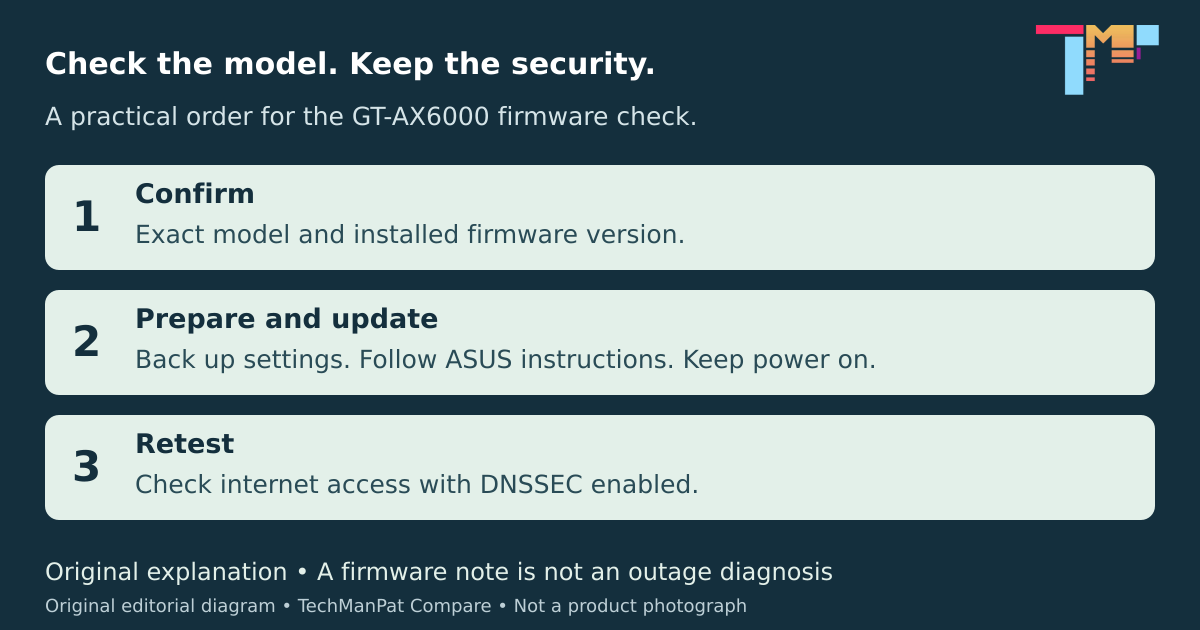
For a GT-AX6000, compare the installed firmware with ASUS’s current support listing. Back up the configuration before an update, then follow ASUS’s official update guide. Choose a quiet moment: the family video call is not an ideal maintenance window.
If the router cannot reach ASUS’s update server, its guide includes a manual upload method using the correct model’s official download, obtained through a working connection. Keep power connected throughout the update and allow it to finish.
Retest afterwards with DNSSEC enabled. Permanently switching it off gives up a validation check rather than addressing the underlying fault. If the problem persists, give ASUS or your provider the exact model, firmware and symptoms. I have not tested this fix on a router; this advice is based on the published release note and support instructions.
Primary sources
Read the evidence.
- GT-AX6000 firmware: version 3.0.0.6.102_37437, 20 October 2026ASUS Australia ↗
- DNS root zone begins using new Key Signing Key, 11 October 2026IANA ↗
- Rolling the root key: What happened?, 21 October 2026APNIC / Geoff Huston ↗
- Official router firmware update instructionsASUS Australia ↗
- Official configuration backup instructionsASUS Australia ↗
Sources checked 22 October 2026. Model-specific manufacturer release note, official support guidance and primary DNS infrastructure reporting. No hands-on testing or individual outage diagnosis. Original diagrams by TechManPat Compare; no ASUS product photographs used.
Community
Add to the article.
Useful experiences, questions and corrections make the next reader’s decision easier.
Comments appear here after moderation.