

The short version
What you need to know.
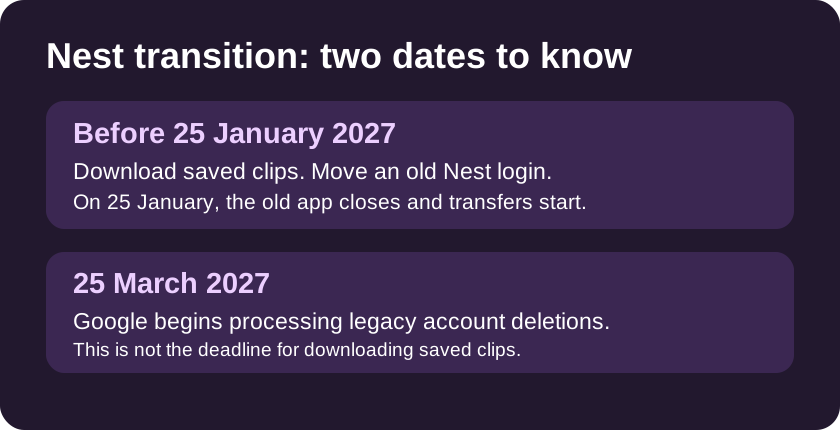
- Download manually saved clips from the old Nest website before 25 January 2027. Google says they do not transfer.
- Move a legacy Nest login to a Google Account before the app closes to avoid losing device access. The separate account deletion deadline is 25 March.
- First-generation Nest Aware subscribers can’t transfer their cameras early. The old 30-day continuous recording tier gets a shorter continuous window.
Save the clips first. Don’t wait for March
If you have a Nest camera or doorbell and there’s a clip you actually want to keep, I’d start with the download, not the app switch. Google is retiring the original Nest app on 25 January 2027, including the mobile, TV and web versions. It says clips you manually saved in the old Nest web library won’t move to Google Home.
Before that date, sign in at home.nest.com and use **Download All** in the old clip library. Save the files somewhere you can find them again. Open a couple after downloading to check they play, then make a second copy of anything important. A clip sitting in the Nest library isn’t a backup.
That’s different from the regular event and continuous video history your camera records. Google says compatible devices and that regular video history will start transferring automatically on 25 January. It doesn’t turn the history into a permanent archive. If it matters, make yourself a copy while you can.
Check which account your Nest home uses
Install Google Home and sign in with the Google Account tied to your Nest home. Google says that if you started using the Nest app after 19 August 2019, you’re already on a Google Account. If you still sign in with a standalone Nest account, follow Google’s migration instructions before 25 January so you don’t lose control of your devices when the old app closes.
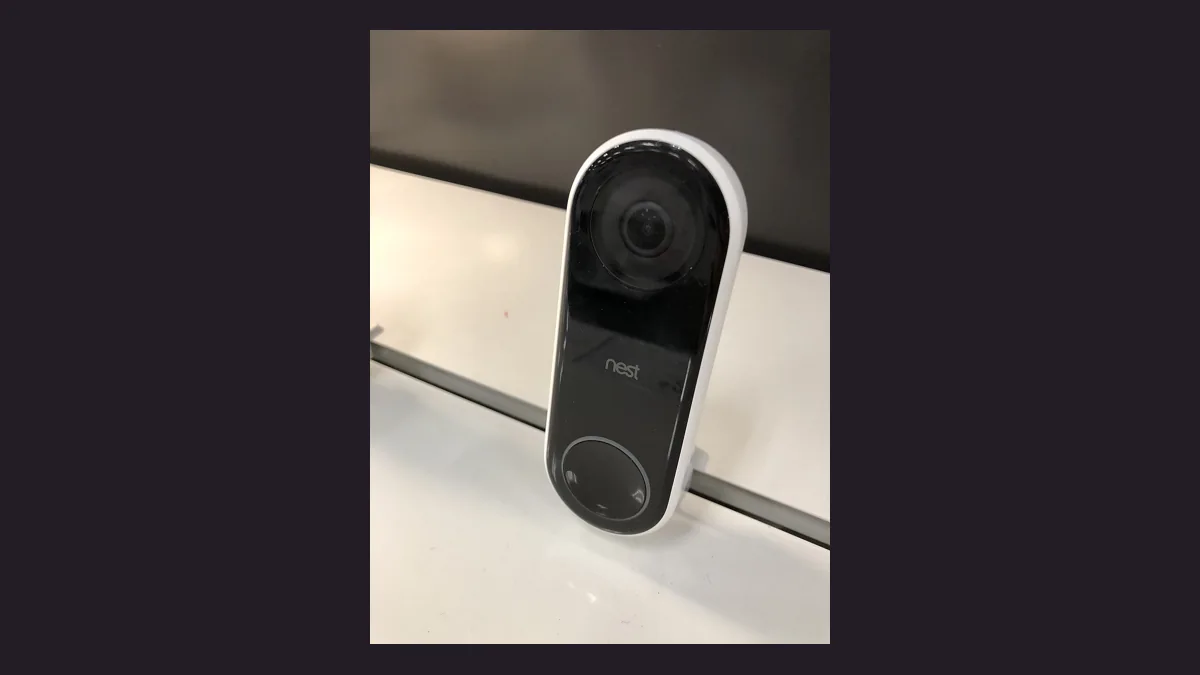
Google lists **25 March 2027** as the final date to migrate a legacy account before it starts processing deletions. That is not a grace period for the old app. I’d check the login now and confirm you can see the right home in Google Home, especially if someone else in the household set it up. An older wired Nest Hello is on Google’s supported list; this is an app shutdown, not a blanket instruction to replace your doorbell. Check Google’s list for your model before buying anything.
While you’re there, write down which cameras are in that home and which ones matter most. After the move, you’ll have something to check against rather than relying on memory. If a feed is missing, check that you’re in the right home before resetting the camera.
On first-gen Nest Aware? Check your recording window
Google says first-generation Nest Aware subscribers can’t transfer their cameras manually before 25 January. It will start moving those cameras and subscriptions to Google Home Premium Advanced automatically on that date. You can still download your saved clips and sort out your account beforehand.
If you pay for the old **30-day continuous recording** plan, the new window is **10 days of continuous recording plus 60 days of event history**. That’s not 60 days of footage you can scrub through minute by minute. Google says pre-transition 30-day continuous recordings can remain accessible for up to 60 days after the move. I wouldn’t leave an important recording there and count on getting the full period.
After your cameras move, open a live feed in Google Home and check that recent events play. If your plan includes continuous recording, pick a point between events and make sure you can scrub the timeline. Check your own subscription notice for billing rather than assuming a standard Australian retail price is what you’ll pay.
Read Google’s first-generation Nest Aware migration details →
Sources
Read the evidence.
- Nest app transition: dates, saved clips and supported devicesGoogle Home and Nest Help ↗
- First-generation Nest Aware transition and recording coverageGoogle Home and Nest Help ↗
Information was checked on 22 November 2026. Details can change.
Community
Add to the article.
Useful experiences, questions and corrections make the next reader’s decision easier.
Comments appear here after moderation.