
The short version
What you need to know.
- AUX-2 requires an existing Home Assistant system; it is not an amplifier or Bluetooth audio receiver.
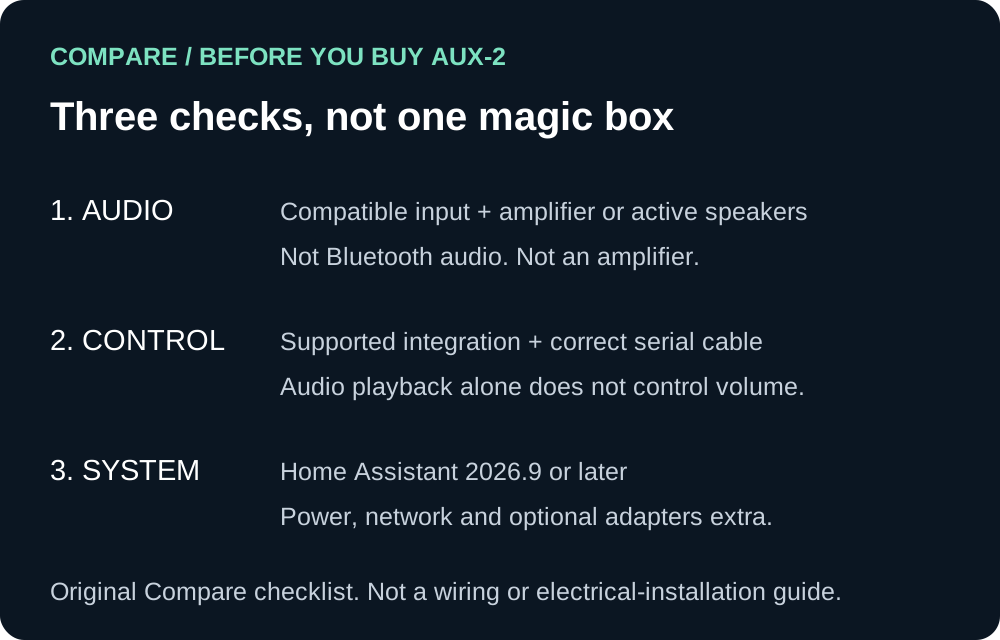
- Audio playback and serial control are separate capabilities, with compatibility and cabling checks required.
- An Australian retailer lists A$99 before shipping; optional adapters and cables add to the total.
Your stereo is not obsolete just because its app is
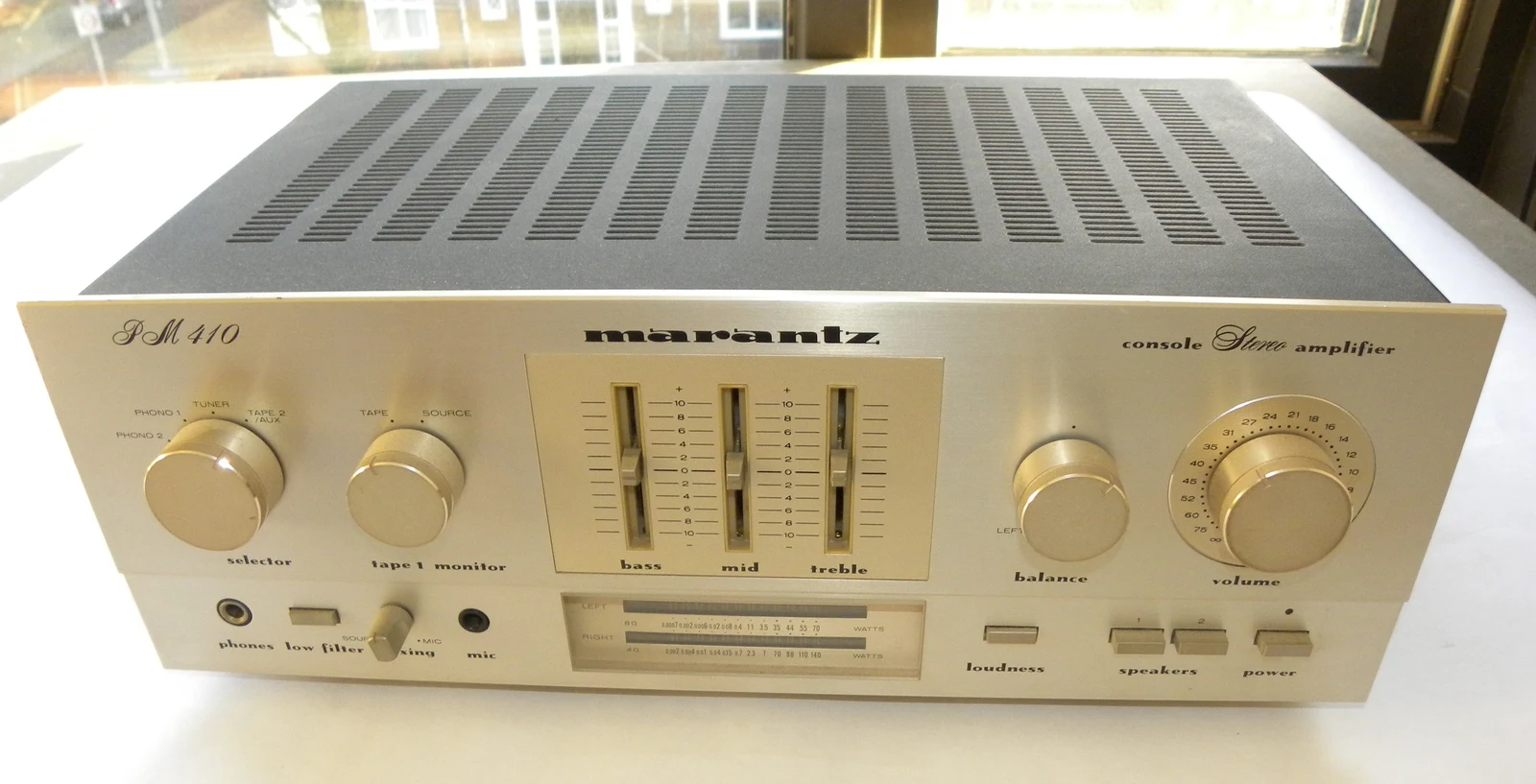
A good amplifier can outlive several generations of phones. That makes replacing an entire hi-fi because it cannot join your smart home feel a bit backwards.
Home Assistant’s Connect AUX-2, launched on 11 November, takes the more interesting approach: connect useful older equipment instead. It combines audio streaming with device-control and smart-home connectivity, but the important word is compatible. This is not a magic box that makes every appliance smart.
For existing Home Assistant users, that could be a neat upgrade. For everyone else, there is a little more homework before pressing buy.
What it actually connects
The official launch describes a network-connected accessory, not a replacement Home Assistant server. Audio goes from AUX-2 to a stereo, AV receiver or powered speakers through its combined analogue/optical output.
Music Assistant supplies the music, while Sendspin provides synchronised playback with compatible players. The attraction is keeping the speakers and amplifier you already like, rather than starting another collection of smart speakers.
Nabu Casa’s support guide makes two limitations clear: there is no audio input, and AUX-2 does not power passive speakers. You still need an amplifier. It also is not a Bluetooth audio receiver, despite having Bluetooth for smart-home devices.
Audio and control are different jobs
Sending music into an amplifier does not automatically give you remote control of its power or volume. That is where AUX-2’s two RS-232 serial ports become interesting.
They can carry commands to supported equipment, but the product FAQ says a suitable Home Assistant integration is required. A matching-looking socket alone is not enough. Check the exact device, protocol and cable before buying.
For an Australian household, that means checking the receiver’s manual, not assuming the model sold here has the same connections as an overseas version. Treat solar and climate equipment with even more care: this is not permission to open electrical enclosures or improvise inverter wiring.
There is more than music in the box
The technical documentation lists a Bluetooth Low Energy proxy, network connectivity and USB expansion. A separately purchased Connect ZWA-2 can be located away from the Home Assistant server, which may help when the server lives somewhere unhelpful for radio coverage.
Power over Ethernet can carry power and networking on one cable with suitable PoE equipment. Alternatively, use USB-C power with Ethernet or 2.4 GHz Wi-Fi.
Do not buy it as a universal radio hub. Thread is unsupported, and Zigbee support through a separate ZBT-2 remains experimental. Those are purchase decisions, not footnotes to discover after delivery.
Australian pricing and the small-print budget
The launch’s US$69 figure is not an Australian price. At our 13 November check, SmartHome’s Australian listing advertised A$99 and marked it in stock, with A$9 Australian shipping below its free-shipping threshold. Stock and delivery should be reconfirmed before ordering.
Budget for the connection you actually need. Cables and optional adapters are extra, and an existing Home Assistant system running version 2026.9 or later is required.
There is also a specification discrepancy worth flagging: the marketing page lists 24-bit/48 kHz audio, while Nabu Casa’s support table lists 16-bit/48 kHz. We would not buy on an unresolved bit-depth claim.
Our take
AUX-2 is most appealing when you can name the problem it solves: reuse a good stereo, control a supported receiver, or put a radio adapter in a better spot.
If you only want effortless music playback and do not already run Home Assistant, compare the total setup with a dedicated streamer first.
The smart upgrade is the one that keeps useful gear working. The less smart upgrade is buying a box of possibilities, then discovering your equipment was never on the guest list.
Sources
Read the evidence.
- AUX-2 launch, 11 November 2026Home Assistant ↗
- Product specifications and FAQHome Assistant ↗
- What AUX-2 is and how it worksNabu Casa ↗
- Technical specifications and resourcesNabu Casa ↗
- Australian retailer listingSmartHome ↗
Independent source-based analysis checked 13 November 2026, not a hands-on review. Australian price and stock are a retailer snapshot, not a reserved unit or delivery guarantee. The official marketing and support pages disagree about audio bit depth; the discrepancy is disclosed rather than resolved by assumption.
Community
Add to the article.
Useful experiences, questions and corrections make the next reader’s decision easier.
Comments appear here after moderation.